
How Backup by Zaweba handles FAT32 USB sticks
FAT32 and exFAT store file times to 2 seconds, so Backup by Zaweba allows for that. Why files may copy again once after the clocks change.
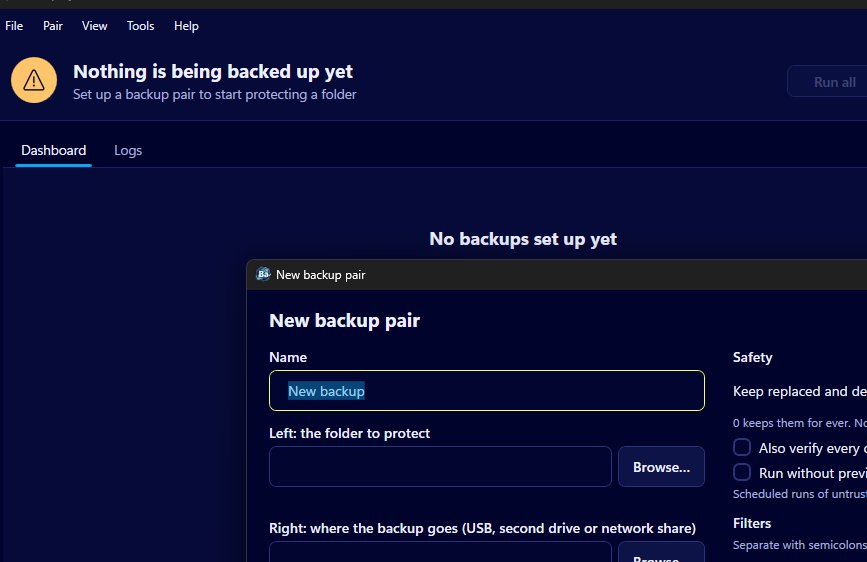
FAT32 and exFAT sticks work as normal backup targets in Backup by Zaweba. Those file systems only store file times to the nearest 2 seconds, so the app treats two times within 2 seconds of each other as the same, and files aren't copied again on every run. The one quirk left is daylight saving: after the clocks change, files on a FAT32 stick may be copied again once, with the old copies kept in _zaweba_versions.
In practice that means you can use the stick as it came out of the packet, and the occasional extra copy is harmless.
Why file times matter to a backup
To decide whether a file needs copying, Backup compares the file on each side by size and date. If both match, the file is counted as already the same and left alone. If either differs, the file counts as changed and is copied in the direction the pair's mode allows. That's what keeps runs quick: a folder with thousands of unchanged files only copies the handful that changed.
Every copy is also checked by size and date before it's put in place, and a pair can additionally verify each copy with a SHA-256 hash if you tick that option in the pair editor.
The 2 second rule
Windows drives formatted with NTFS keep very precise file times. FAT32 and exFAT, the formats most USB sticks and memory cards come with, are coarser and store times to the nearest 2 seconds. A document saved at a time ending in an odd second on your PC ends up with a slightly different time once it's on the stick.
If Backup demanded an exact match, it would see those files as changed every time and copy them again and again. So it treats any two times within 2 seconds as equal. Files that really have changed almost always differ by much more than that, and their size often differs too.
The daylight saving quirk
FAT32 records file times in local time rather than in a fixed universal time. When the clocks go forward or back, the times your PC reports for files on the stick can shift by an hour, while the same files on the PC's own drive don't. To a size and date comparison, that looks like a change.
The result is that, after a daylight saving change, a run to a FAT32 stick may copy some files again. It happens once. After that run both sides agree again and things settle back to normal. Nothing is lost along the way, because any file a run overwrites is first moved to _zaweba_versions. The extra run only costs a little time, and some space in the versions folder until those copies pass the pair's set number of days (30 by default).
Living with it
Expect the first run after the clocks change in spring and autumn to take longer than usual, and don't be alarmed by a preview full of updates that week. The preview lists each step with its reason, so you can see they're updates rather than anything stranger.
In Mirror mode the extra copies don't remove anything. Files are only moved to _zaweba_versions as removals when they're gone from the source, and the old copies of re-copied files are kept there too. The mass-removal guard keeps watch as usual.
If the repeat copies bother you and the stick doesn't need to be read by other devices, formatting it with a file system that keeps more precise times is an option, after moving its contents somewhere safe first. That's a choice about the drive rather than the app, though. For most people, FAT32 and exFAT sticks work fine with Backup by Zaweba exactly as they are.

