
Vectornation by ZawebaProfessional vector illustration without the subscription.
A full professional vector editor, on your PC, with no subscription. Pen, shape builder, live effects, brushes, gradient mesh, image trace, print-ready PDF/X and professional type, opening and saving SVG, PDF, AI, EPS, DXF and DWG.
This version isn't signed for Windows yet: if SmartScreen warns you, choose More info › Run anyway. Why?
The Mac app isn't notarised by Apple yet: the first time, open it, then go to System Settings › Privacy & Security and choose Open Anyway. On Linux, make the AppImage executable (right-click › Properties, or chmod +x) and run it, or install the .deb.
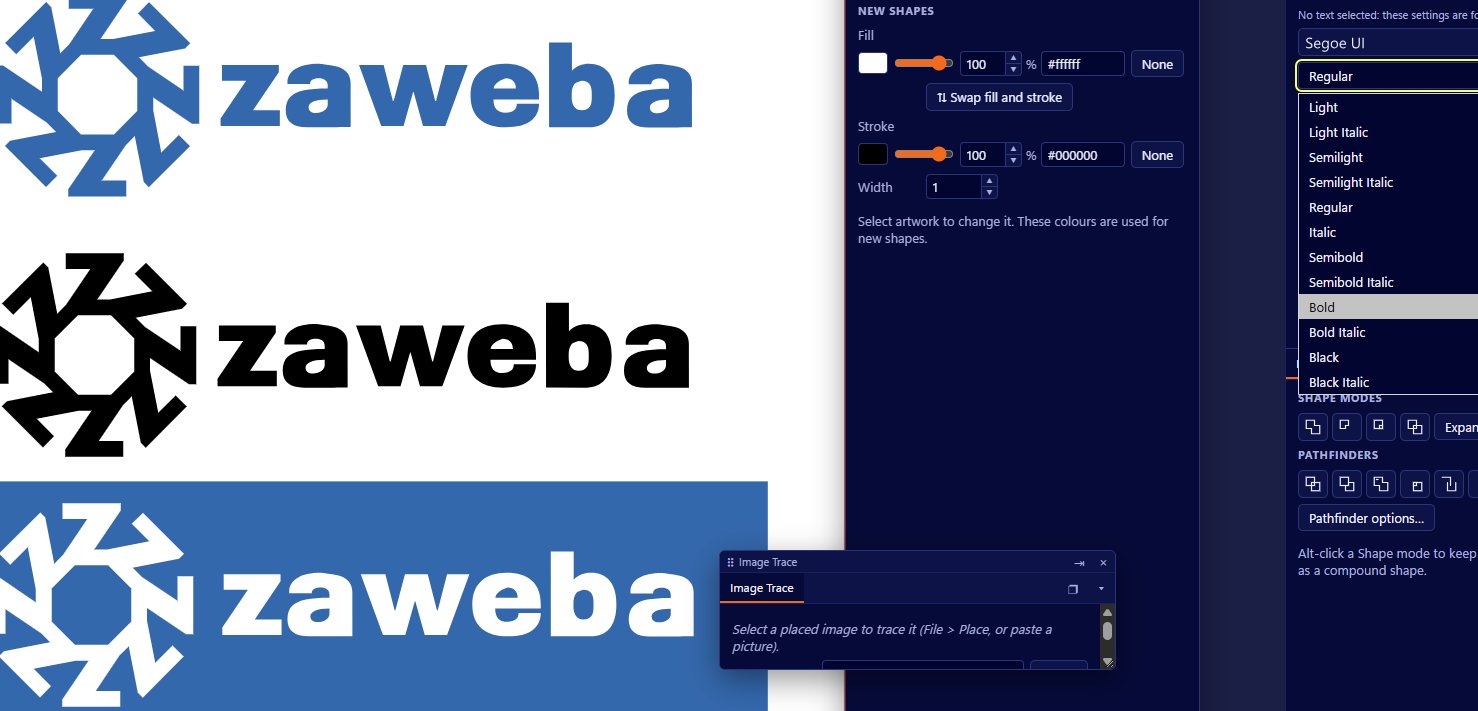
Vectornation by Zaweba is a professional vector editor for illustrators, designers and print shops. Everything you'd expect is there: the pen and curvature tools, live shapes with corner widgets, the shape builder, the full Pathfinder, live effects, envelopes and blends, brushes with a width tool, gradient mesh, graphs, artboards, symbols and actions. It has no AI features and needs no account.
It opens the files you are sent: SVG, PDF (vectors and text), .ai, EPS and PostScript, DXF, EMF and WMF, HP-GL and XAML, and it saves them all back. Paste a transparent PNG from any app and the transparency stays. Its image trace turns pictures into shapes that sit edge to edge with no gaps or overlaps, and its font manager shows every font on your PC, including ones made in Font by Zaweba.
Version 0.9 adds the print shop's tools: soft proofing with your printer's colour profile, separations and overprint previews, PDF/X-4 with bleed and printer's marks, step and repeat onto label sheets and mail-merge from a spreadsheet. Type gains tab stops, hyphenation, UK English spell checking, variable fonts and right-to-left and East Asian text, and there are 56 live pixel effects, real 3D with lighting and shadows, scripts and batch actions, and menus in seven languages.
Version 0.10 is for packaging and logo work. Start from your own dieline templates, link panels such as a bag's front, back and gussets into one job, and put foil, spot UV, embossing and die-cuts on their own finish layers, which go to the printer as separate plates. An ink counter shows how many colours a design uses, colours snap to the nearest colour in your own spot colour books, and preflight, a one-step print-ready PDF and a proof sheet with a sign-off box finish the job. Image trace now traces shapes, not pixels: sharp corners stay sharp, circles and lines come out exact, and symmetrical logos come out symmetrical. Path editing gains one-key corner, smooth and cusp points, refitting and points you can delete without breaking the shape.
Who it's for
- Illustrators and designers who want a desktop editor without a subscription
- Packaging designers working with dielines, spot colours and finishes
- Print and sign shops that are sent PDF, AI and EPS files
- Anyone turning logos and pictures into clean vectors
Good to know
- Also on macOS (Apple silicon and Intel) and Linux (AppImage or .deb), with the same tools and the same files
- On Windows it uses the Microsoft Edge WebView2 Runtime, which comes with Windows 11
- Free software; tell us what you need with the feedback link below
- Some design programs use closed file formats: Vectornation opens their preview picture and explains what to export
Private by design
- Works offline, with no account and no adverts.
- Checks zaweba.com once a day for a newer version, sending only the app's name.
- Problem reports and feedback are sent only if you click Send.
Everything you need, nothing you don't.
Every drawing tool
Pen, curvature, pencil, knife, scissors, shape builder and live paint, plus live shapes and 17 extra shapes such as cogs, clouds and hearts.
Opens what you are sent
SVG, PDF, .ai, EPS, PS, DXF, EMF, WMF, HP-GL and XAML in, and out again, plus PNG, JPEG, WebP, TIFF and GIF exports.
Image trace done properly
Sharp corners, exact circles and lines, symmetry and the fewest points, with colours snapped to your spot colours and shapes that share their edges. Or trace line art as centre lines.
Live effects
Drop shadows, glows, roughen, zig zag, warps, 3D extrude and revolve, envelopes and blends, all still editable in the Appearance panel.
Brushes and width
Calligraphic, art, scatter, pattern and bristle brushes, pen pressure, the width tool, the blob brush and the liquify tools.
Type and a font manager
Area and path text, threaded text, OpenType features, tab stops, hyphenation, spell checking, variable fonts and right-to-left text, plus a font manager with every font on your PC.
Ready for print
Dieline templates, finish layers for foil and spot UV, spot colour books and an ink counter, preflight, proof sheets, PDF/X-4 with bleed and crop marks, and label sheets.
3D, scripts and batches
Extrude, bevel and revolve with lighting and cast shadows, 3D model export, JavaScript scripts, and actions played over a whole folder of drawings.
Your files, in and out
Open a PDF and get real vector shapes, with text as outlines or as editable text. Open .ai files, EPS and PostScript with Vectornation's own interpreter, and CAD drawings as DXF. Save back to the format you were sent, or export clean SVG, print-ready PDF with a CMYK option, and images at any resolution.
- PDF, AI, EPS, PS, DXF, EMF, WMF, HP-GL and XAML
- Transparent PNGs paste with their transparency
- Export for screens at several sizes at once
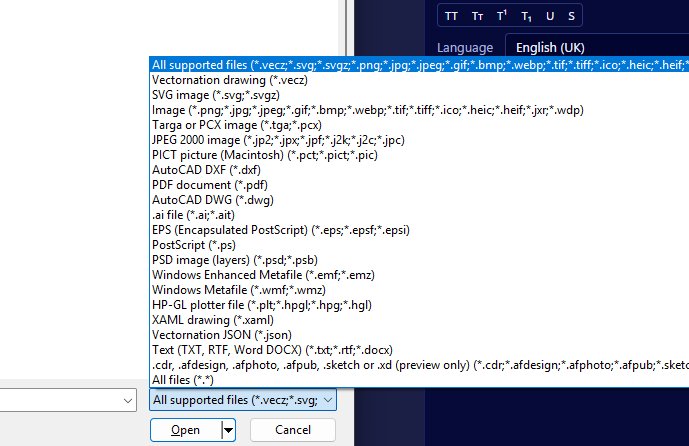
Image trace that leaves no gaps
Trace a logo or poster and choose the colours yourself by picking them from the picture. With Abutting on, the shapes share their boundaries, so there are no overlaps underneath and no white slivers between them, ready for print or a cutter. Line art can become clean stroked lines instead of filled outlines.
- Levels, posterise and noise reduction with a live preview
- Shapes that tile with no gaps or overlaps
- Centre-line tracing for line art
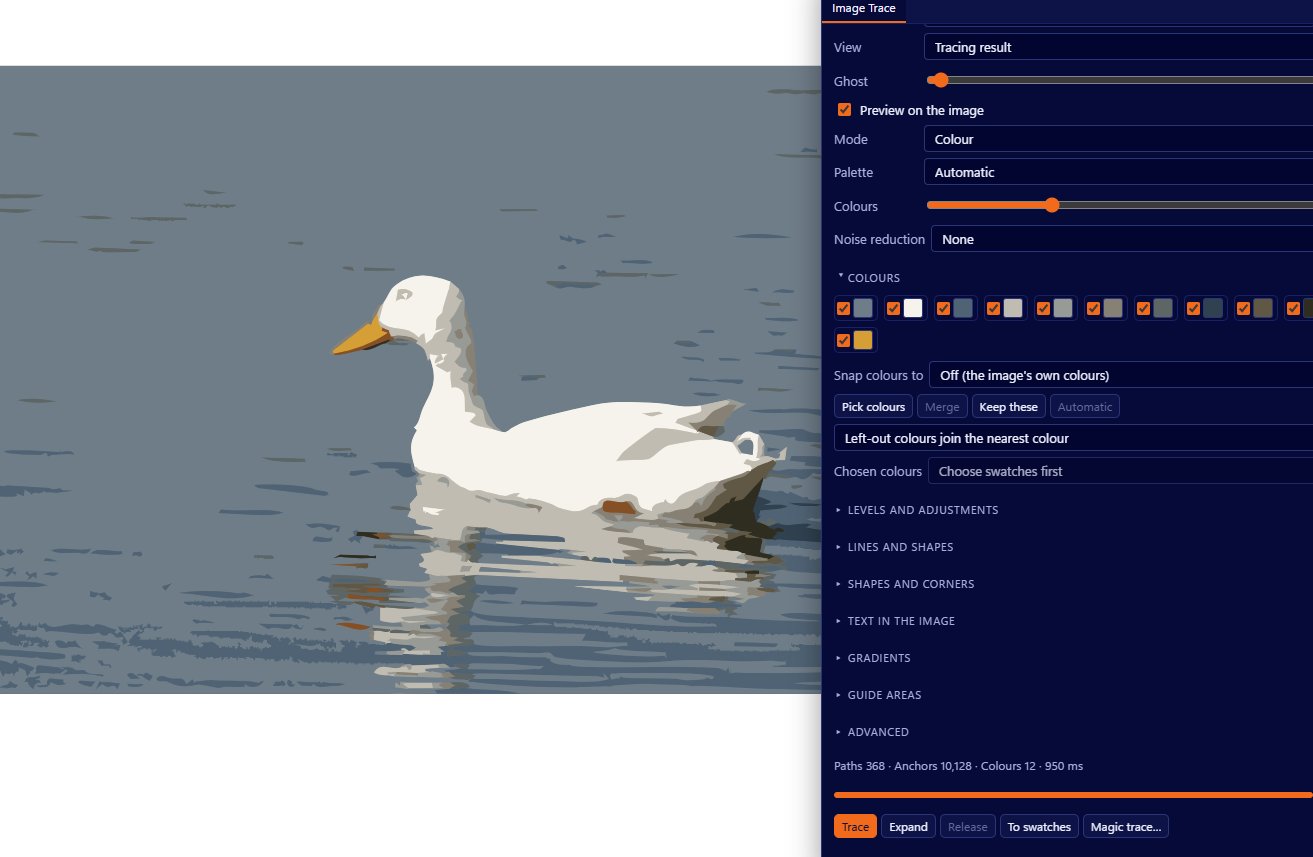
Effects that stay editable
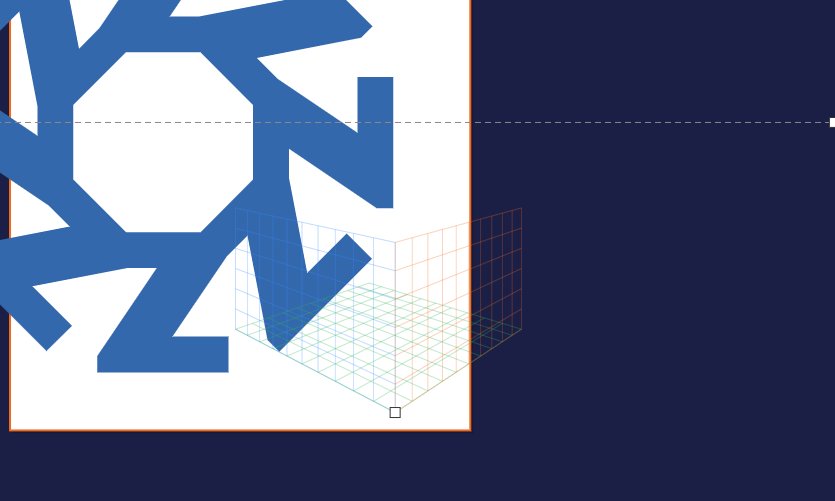
Drop shadows, glows, warps, roughen, 3D extrude and the rest are live: change the shape and the effect follows, or adjust it later in the Appearance panel, which holds several fills and strokes on one object. Gradients run on strokes too, and freeform gradients and gradient mesh give soft, painterly colour.
- Several fills and strokes on one object
- Linear, radial, freeform and mesh gradients
- Opacity masks and 16 blend modes
The details
| Works on | Windows 10 and 11 (64-bit), macOS 11 or later (Apple silicon and Intel), Linux (64-bit, x86 and ARM) |
|---|---|
| Native format | .vecz (compressed SVG); plain SVG too |
| Opens | SVG, SVGZ, PDF, AI, EPS, PS, DXF, DWG, EMF, WMF, HP-GL, XAML, PSD and pictures |
| Saves | SVG, PDF and PDF/X-4, AI, EPS, PS, DXF, EMF, WMF, HP-GL, XAML, PSD, G-code, OBJ, glTF, PNG, JPEG, WebP, TIFF, BMP and GIF |
| Languages | English and six other interface languages |
| Colour | Grey, RGB, HSB, CMYK, Lab and web; ASE, ACO and GPL swatch files |
| Fonts | TrueType, OpenType, TTC collections and WOFF, installed or from a folder |
| Version | Version 0.10.3 |
| Download | ZawebaVectornation-0.10.3.zip (71 MB): unzip and run, no installer |
| Licence | Free for everyone, with every feature included. No warranty |
Vectornation FAQ
Can I open .ai files?
Yes, most of them. PDF-compatible .ai files open through the PDF reader and older PostScript .ai files through the EPS interpreter. Vectornation saves PDF-compatible .ai files too.
Related apps

Font
Restyle a base alphabet with sliders for weight, serifs, slant and patterns, then export a real font that works in your documents and on the web.
Explore Font
Paint
Layers, masks, live layer effects, a brush engine that feels like paint and one-click background removal, all offline on your own PC.
Explore Paint
Publish
Lay out flyers, newsletters, posters, menus and cards with linked text and wrapping pictures, then export print-ready PDFs.
Explore Publish
Easel
A painting studio where every tool behaves like the real thing: watercolours run and bloom, oils stay wet and pencils catch the paper's grain.
Explore Easel
Try Vectornation today.
Download Vectornation by Zaweba: no account, no adverts, every feature included.