
UPC-A barcodes for US and Canadian shops
Barcode by Zaweba makes 12-digit UPC-A barcodes for products sold in North America, adding the check digit and showing the right one if yours is wrong.
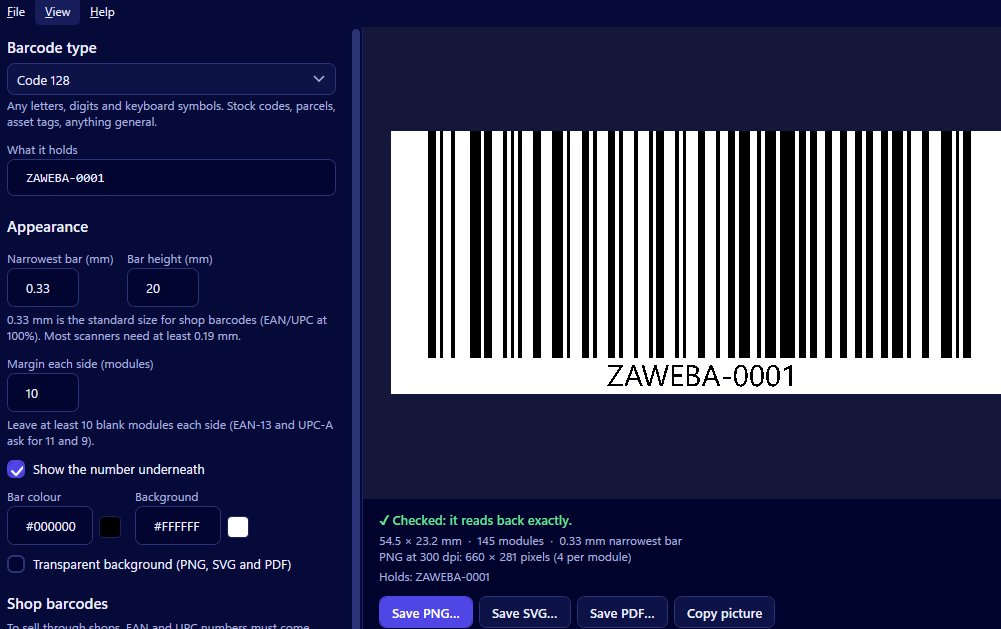
Selling into shops in the United States or Canada usually means a UPC-A barcode on the pack. It's the 12-digit retail barcode used on products across North America, and Barcode by Zaweba makes it with the check digit handled for you.
The making takes a couple of minutes. The thinking around it, about numbers, sizes and testing, is where the care goes.
UPC-A in brief
A UPC-A barcode carries 12 digits. The last of those is a check digit, worked out from the other eleven, which lets a scanner catch a misread. Choose UPC-A when you're selling into US or Canadian shops. For shops in the UK and Europe, EAN-13 is the usual equivalent, and the app makes that too.
As with any retail code, the number must be one properly allocated to you. Barcode by Zaweba draws the code; it can't issue you a number, and a made-up one may clash with someone else's product in a shop's system.
Typing the number
Open Barcode by Zaweba and choose UPC-A. You have two ways in. Enter 11 digits and the app works out the twelfth and adds it. Or type all 12 and the last digit is verified. If it's wrong, the app shows you the correct digit, so you can go back and find where the mistake crept in.
That second route is worth using whenever you've been given a full number by someone else. Numbers get copied between emails, spreadsheets and design files, and a single swapped digit is easy to miss by eye. The check digit catches it.
UPC-A takes digits only. Anything else gets a plain-English explanation rather than a barcode.
Watching it read back
As you type, the preview draws the barcode and reads it back with every change. When it reads exactly, it says Checked. When it doesn't, it says why: colours too close, light bars on a dark background, or a margin too small. If you try to save one that doesn't read back, the app asks you first.
That read-back is a proof that the drawing is correct. It isn't a substitute for scanning a printed copy with a real scanner, which you should still do before a print run.
Size, colour and the number underneath
Set the narrowest bar in millimetres, the height and the margin. The finished size follows from those, so you can work towards the space on your pack or label. Resist shaving the margin; the read-back will warn if you go too far.
Choose whether the digits print under the bars. On a retail product they should, so a cashier can key the number in if the scan fails. The number is centred and drawn as outlines, so it looks identical in every file and on every computer. Pick bar and background colours to suit your design, keeping a strong contrast between them.
Saving for packaging and labels
For packaging artwork, save an SVG: vector, in millimetres, sharp at any size, and true to the bar widths you set when placed at 100 per cent. A PDF gives you a single vector page the size of the code, which suits many printers. A PNG at 300, 600 or 1200 dpi is fine for labels you print yourself. Copy picture puts the barcode on the clipboard to paste into a spec sheet or an email to your printer.
The usual slips are easy to avoid once you know them. Using UPC-A for a product only sold in Europe, or EAN-13 where a North American buyer asked for UPC-A, is the classic one, so ask your buyer which they expect. Another is trusting a number from a spreadsheet without letting the app verify its check digit. A third is approving packaging from a screen proof alone.
Make the code in Barcode by Zaweba, let it check the digits, print one and scan it. That's a UPC-A you can send to a buyer with confidence.

