
What is an ITF-14 barcode?
ITF-14 is the 14-digit barcode on outer cartons of retail products. What it's for, where the number comes from, and how Barcode by Zaweba makes one.
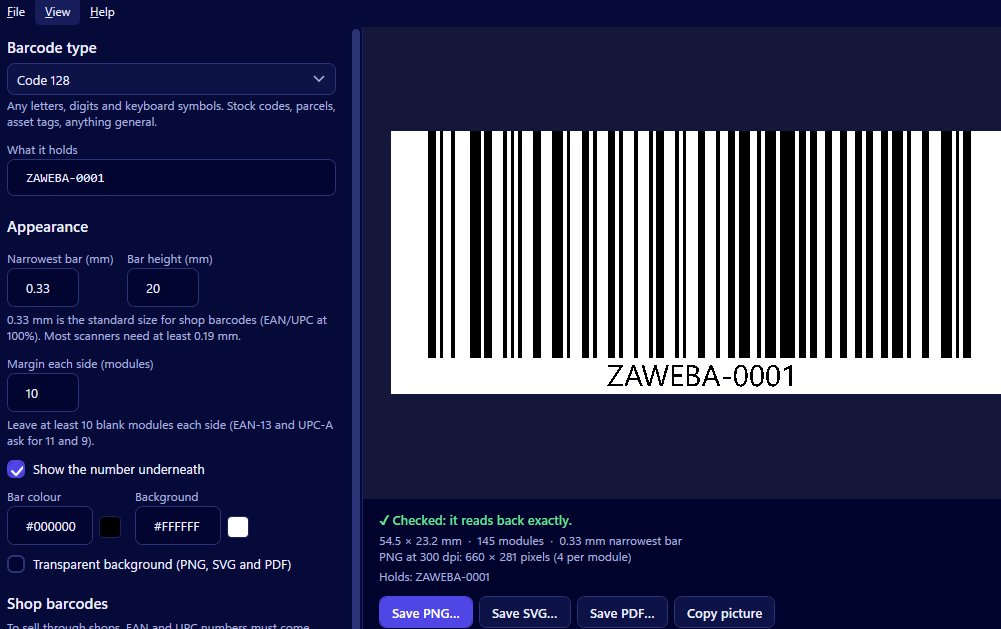
An ITF-14 barcode is the 14-digit barcode printed on the outer cartons and cases that hold several retail items. It lets a warehouse or shop's goods-in team scan a whole box without opening it. Barcode by Zaweba makes ITF-14 barcodes and adds or checks the check digit for you.
If you've only ever thought about the barcode on a single product, ITF-14 is the next layer up, and it's worth understanding before your first delivery to a retailer.
Products, then cartons
Picture a box of twelve jars of jam. Each jar has its own retail barcode, typically an EAN-13 in the UK and Europe or a UPC-A in North America, which is scanned at the till. The cardboard box the twelve travel in is a different thing to count and store, so it gets its own number and its own barcode: the ITF-14.
At a warehouse, staff scan the carton to record that a box of twelve has arrived. When the jars are unpacked and put on a shelf, the individual retail barcodes take over. The two codes do different jobs, and a retailer receiving cartons will usually expect both.
Where the 14 digits come from
The ITF-14 number belongs to the same numbering family as your retail barcodes, so it comes from the same source: your number allocator or supplier. The last of the 14 digits is a check digit, worked out from the rest, which lets a scanner catch a misread.
Barcode by Zaweba draws any valid number you give it. It doesn't decide what number a carton should have. If you're not sure, ask whoever issued your retail numbers before you print anything.
How it looks on a box
ITF-14 codes tend to be printed large, because cartons get scanned from a distance, at an angle and often under poor light. You'll sometimes see a thick frame or heavy lines around them. Those are bearer bars, which some print shops add. Barcode by Zaweba doesn't draw them, and scanners read ITF-14 without them; if a specification calls for them, they can be added around the barcode in your artwork.
Making a carton code
Open Barcode by Zaweba and choose ITF-14. Type the first 13 digits and the check digit is added, or type all 14 and the last is checked, with the correct digit shown if it's wrong. Set the narrowest bar in millimetres, the bar height and the margin, keeping in mind that cardboard and warehouse thermal printers don't do fine detail well. Decide on the number underneath and the colours.
The preview reads the barcode back with every change and says Checked when it reads exactly. If it can't, it explains why, such as a margin too small or colours too close together, which is a real risk when printing onto brown board.
Save an SVG or PDF for carton artwork, since both keep the bars at their true millimetre widths. Save a PNG at a high dpi for labels printed in-house, or use Copy picture to paste the code into a packing specification.
Do you need one?
If you sell direct to customers, you might never need ITF-14. If you supply cartons to a retailer, a wholesaler or a distribution centre, there's a good chance they'll ask for it. Read their supplier guidance, get the number from your allocator, and make the barcode in Barcode by Zaweba.
Then print a test carton label and scan it before the real delivery goes out. A carton that scans at the door is booked in and put away; one that doesn't tends to sit in a corner until someone has time for it.

