
How to make an address book from your customers' emails
Contact by Zaweba builds an Address Book from everyone on your enquiries and customers and others you have emailed, and exports it as CSV or vCard.
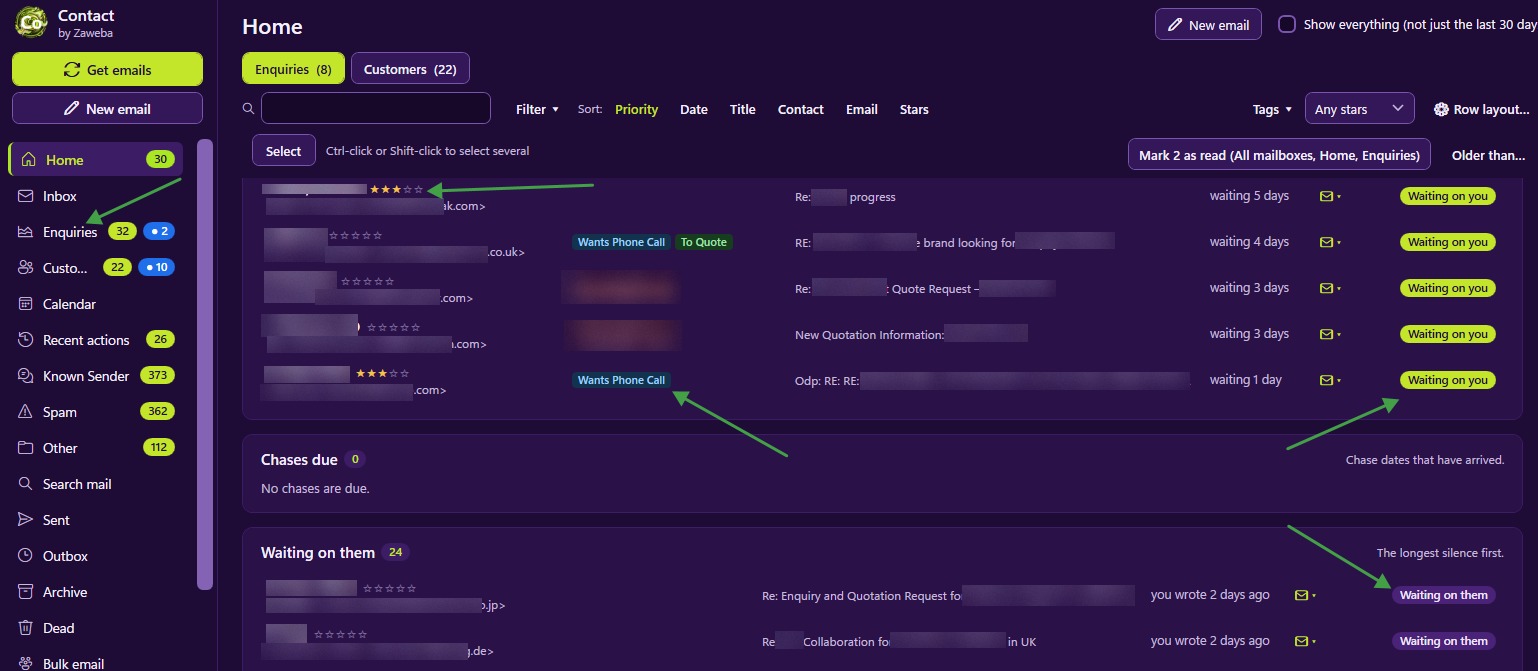
The address book builds itself in Contact by Zaweba. As it turns your mail into enquiries and customers, its Address Book (Ctrl+Shift+B) lists everyone on those records, plus other people you have emailed. You can search it, filter it, merge duplicates, and export it as CSV or vCard to use anywhere else.
Where the names come from
The Address Book fills itself from the work you are already doing. When you file a new sender in the Inbox as a New enquiry or a Known customer, the people on that record become part of it. When domain matching is on for a company, anyone new who writes from that domain is added as a contact on the record, so the finance team or a new colleague at a client join without you typing a thing. Web-form emails fill in the name, email and phone for you.
People you have emailed who aren't on any record are listed too, so suppliers and other contacts are there as well.
Narrowing it down
Filters split the list into useful groups: Customers, Enquiries, Not on a record, Duplicates, a tag, or a mailbox. Search narrows by what you type, and the list can be sorted.
That makes it easy to build the list you actually need. Customers gives a list of everyone you have sold to. A tag filter, such as Quote, gives the people involved in outstanding quotes. The mailbox filter separates one business or brand from another, which matters if you run several from the same Contact.
Tidying before you export
Duplicates are the main thing that spoils an exported list. The Duplicates filter finds people listed more than once, and merge combines them. A few minutes here means nobody gets two copies of the same letter later.
Look at Not on a record as well. Anyone there who really belongs to a customer can be added to that record, so their future mail files itself.
Exporting
Export as CSV for a spreadsheet. It opens in any spreadsheet program, where you can sort, print or use it for a mail merge.
Export as vCard for address books and phones. vCard is the format other address book programs understand, so it is the way to move people into them.
If you want printed address labels or envelopes for a group of customers, Labels by Zaweba, the free address book and label printer, can import a CSV file, and prints onto Avery sheets, thermal rolls or envelopes.
Keeping it going
Because the Address Book follows your records, it stays current without effort. New customers appear as you file them, and merging duplicate records keeps the people tidy as well.
The Address Book also works the other way, as a picker in compose for To, Cc or Bcc, so the list you have built helps every time you write.
For a message to many customers at once, use bulk email rather than a long Bcc list. It sends separate individual emails, each from the right mailbox, so every recipient sees only their own address.
Your list stays yours
Everything is stored on your own PC, and nothing is sent to a Zaweba server. Import works too, from CSV or vCard, so contacts from an old spreadsheet or another program can join the ones Contact has gathered. Export whenever you like.

