
How Contact by Zaweba matches emails to the right customer
Contact by Zaweba files mail by contact, then company domain, then web-form addresses. Here is how matching works and how the Matching panel keeps it right.
Much of the time saved in Contact by Zaweba comes from mail filing itself. A reply from a customer lands in that customer's conversation without you lifting a finger, and so does an email from a colleague of theirs you have never heard from before. That happens because of matching, a short set of rules Contact applies to every email it collects. Knowing the rules makes it easy to trust them, and easy to put right the rare email that ends up in the wrong place.
The order Contact checks things in
Matching works through three checks in turn. First, is the sender already a contact on a record? If so, the email joins that record. This is the most certain match and covers most everyday mail.
Second, does the sender's company domain belong to a record? If you deal with a firm whose people all write from the same company address, mail from any of them can join the firm's record.
Third, does the body of the email contain the address of a known contact? This catches web-form emails, where the message comes from your website's form system but the customer's own address is written inside it.
The order matters. A known contact always wins over a domain, so if someone you deal with personally moves between two records, it is the contact list that decides.
Domain matching and new people
With domain matching on for a record, anyone new who writes from that domain is added as a contact. The first time the finance team at a client emails you, they join the client's conversation and become a contact there, so their next email matches on the stronger first rule.
Two safeguards keep this sensible. Your own domains are never matched, so mail from your own business never gets scooped into a customer's record. And consumer domains such as Gmail are never offered for domain matching, because thousands of unrelated people share them. Matching on one of those would pull strangers into a customer's record, so Contact simply doesn't suggest it.
The Matching panel on each record
Each record has a Matching panel that lists exactly what brings mail in: the contacts' addresses and any domain that matches. Nothing is hidden. If you have ever wondered why a certain email turned up in a record, the answer is on that list.
From the panel you can remove an address or keep one out. Removing takes it off the list of things that match. Keeping out goes further and stops that address being matched to the record in future, which is the right choice when someone at a client's domain writes to you about something unrelated, a personal matter say, or a different business they also run.
Getting matching right from the start
When you create a record, think about whether domain matching suits it. A company with its own domain and several staff who write to you is the classic case. A sole trader writing from a personal address doesn't need it, and a large organisation where only one department is your customer may be better with contacts alone, so mail from other departments doesn't pile into the record.
Check the Matching panel now and then on your busiest records. People leave companies and addresses change. Keeping the list tidy keeps the conversation tidy.
When an email does land somewhere odd, don't move things around blindly. Right-click it and choose Why is this here?, which explains in plain words which rule brought it in and offers the fixes that fit. Each fix is listed in Recent actions with its own Undo.
How matching feeds the rest of the app
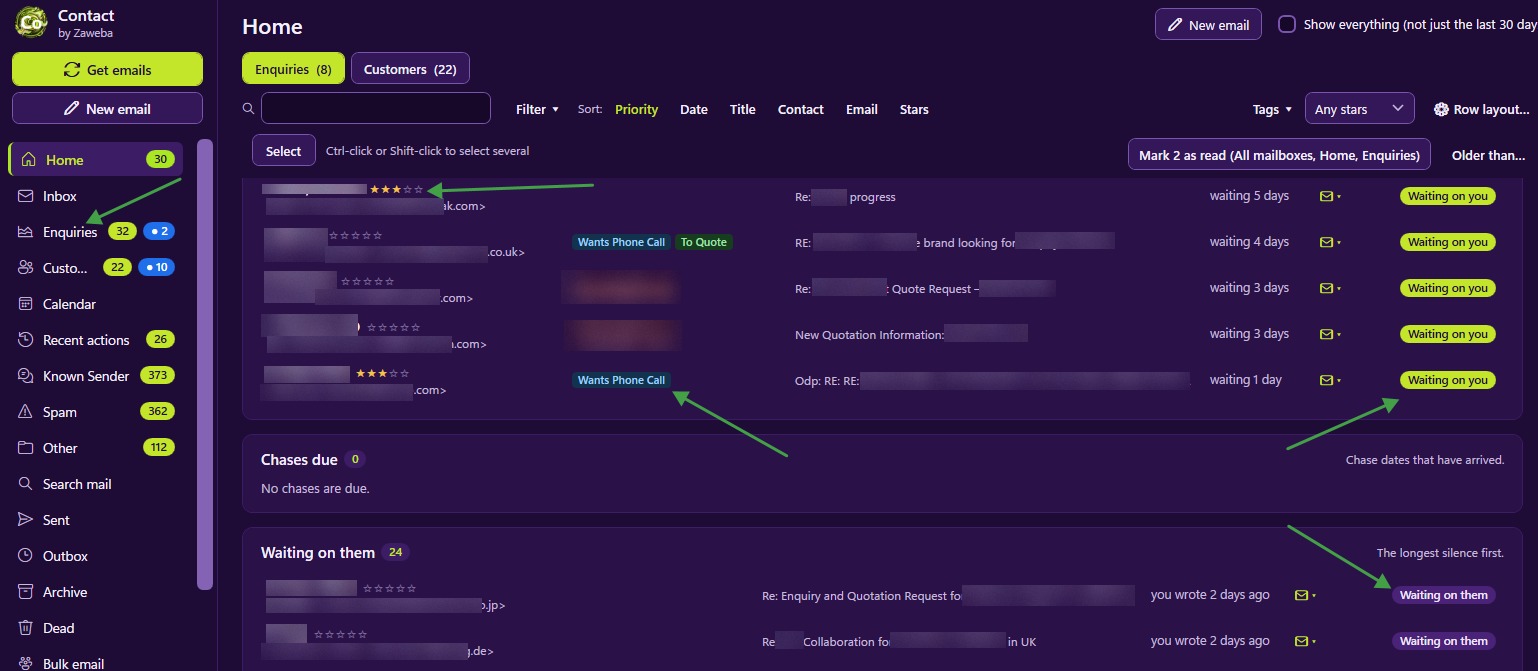
Status works from who wrote last in a conversation, so a correctly filed reply makes the record show waiting on you. The Home view, chase dates and the counts on customer folders all depend on emails being where they belong. Mail that matches nothing goes to the Inbox, where you file it once and Contact remembers your choice for next time. Between matching and those remembered choices, most of your mail ends up filed without you doing anything.

