
Why Contact by Zaweba keeps everything on your PC
Contact by Zaweba stores its database, emails and attachments on your own PC, encrypts passwords for your Windows user, and sends nothing to a Zaweba server.
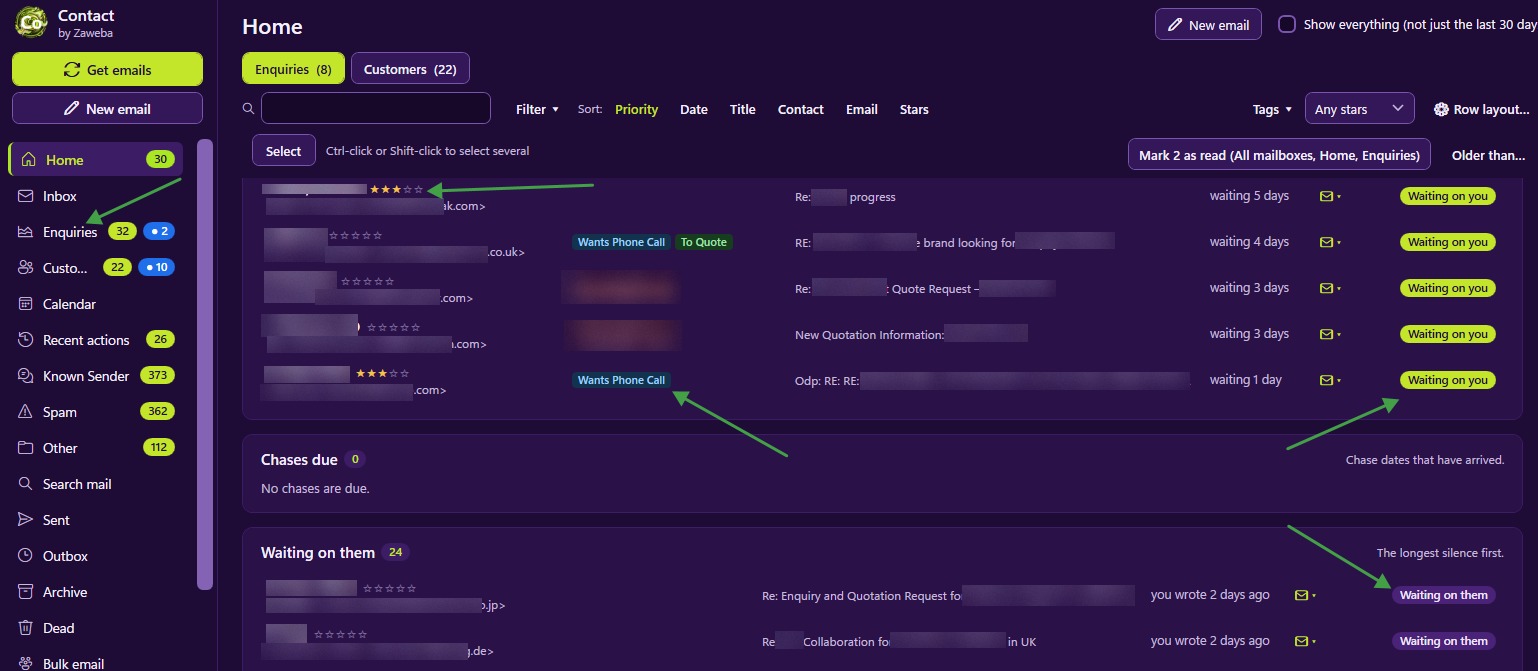
Customer details are about as sensitive as business data gets. Names, addresses, phone numbers, order histories and whatever people have told you in their emails all end up in a contact manager. Contact by Zaweba takes a plain approach to all of it: everything stays on your own PC.
Where your data lives
The database, the emails and the attachments are stored in the app's data folder on your PC. There is no online copy held by Zaweba, and nothing is sent to a Zaweba server. Contact talks to your own mail servers, the ones you set up in Settings > Mailboxes, to fetch and send mail, and that is all.
That has practical consequences. Contact works the same whether or not Zaweba exists tomorrow. There is no account to sign up for and no monthly plan. Your data is in a folder you control, and you decide what happens to it.
Passwords
Mailbox passwords are encrypted for your Windows user. The stored copy only works for you, on this PC, so the data folder copied onto another computer doesn't give away your mail passwords.
When you export settings to move them to another machine, passwords are left out unless you ask for them, and then they are sealed with a passphrase you choose.
Looking after your own data
Keeping data on your PC puts the care of it in your hands, and Contact helps with that. It makes an automatic backup once a day, keeping seven daily and four weekly copies by default, plus a copy before every upgrade. File > Back up everything writes one zip of database, attachments, original emails and settings that you can keep somewhere else.
If the database is ever damaged or missing, Contact opens a repair window instead of crashing, offering to restore the latest good backup or rebuild from the saved original emails. The damaged file is moved aside, never deleted.
Your data is never locked in, either. File > Export email writes records or everything as EML or MBOX files, plus a records.csv of titles, tags, stars and notes. The Address Book exports to CSV or vCard.
Your mailbox stays yours too
Contact reads your mailbox over IMAP without changing it. Mail is fetched without being marked read, deleted or moved, so your usual email program carries on as normal. The one exception is spam, which Contact moves to the server's Junk folder when you file a sender as Spam. Delete in Contact removes mail from Contact only and never touches the server.
Sensible precautions
Keep a backup off the PC. Automatic backups protect against a damaged database, but a copy on another drive protects against a failed disk or a lost laptop.
Use a Windows account with a password. Because Contact's protection of your mail passwords is tied to your Windows user, a strong sign-in keeps the whole arrangement sound.
Think about who else uses the PC. Anyone who signs in as you can open Contact, just as they could open your email program.
Free software, plainly
Contact is free software, with a licence agreement asked once on first start. There is nothing to pay and no account to make. For a small business, shop or sole trader handling customer email themselves, that means the customer list belongs to the business and nobody else, which is how it should be.

