
Is my customer data private in Contact?
Yes. Contact by Zaweba stores customer data on your own PC, encrypts mailbox passwords for your Windows user, and sends nothing to a Zaweba server.
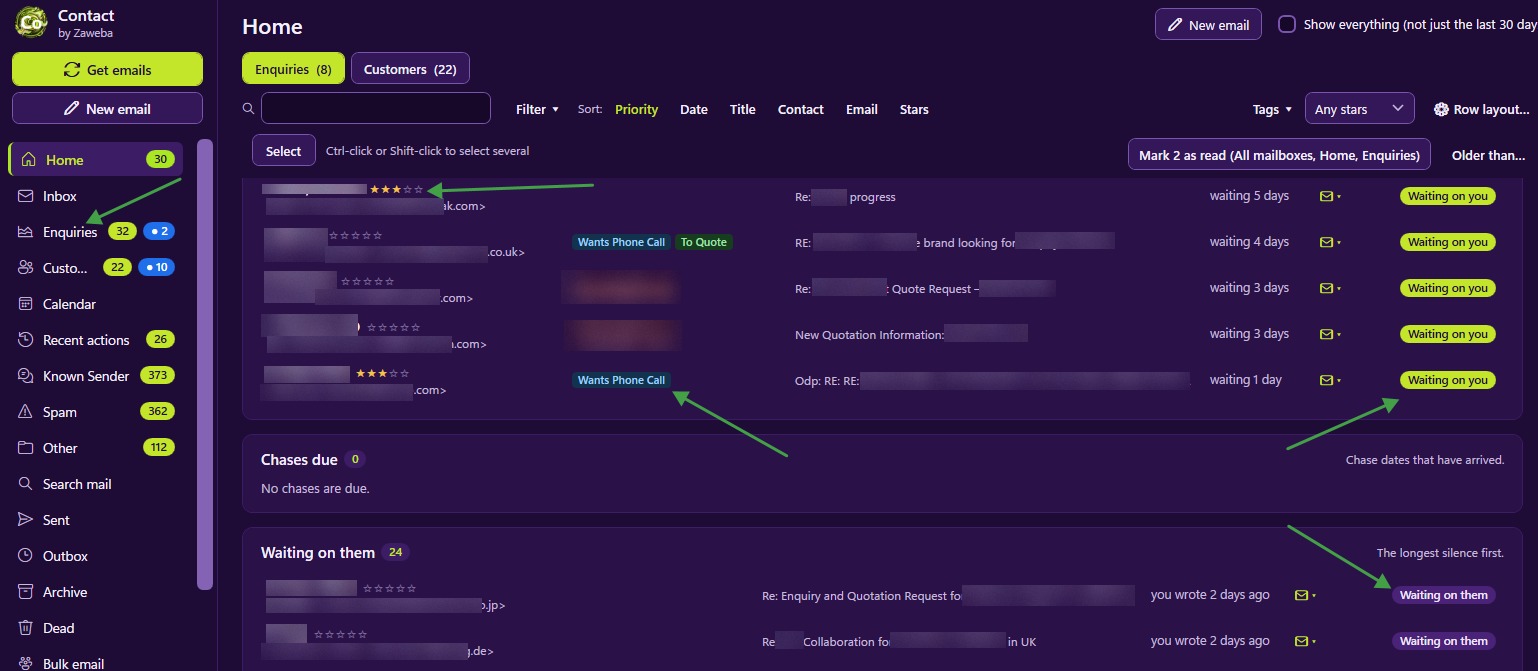
Yes. Contact by Zaweba keeps your customer data on your own PC. The database, the emails and the attachments are stored in the app's data folder, mailbox passwords are encrypted for your Windows user, and nothing is sent to a Zaweba server. There is no cloud copy and no account.
What stays on your PC
Everything Contact knows about your customers lives locally: records, conversations, attachments, tags, stars, notes, calendar entries and settings. Contact talks to your own mail servers, the ones you set up in Settings > Mailboxes, to collect and send mail, and that is the only connection it needs.
Because there is no Zaweba server in the picture, there is no third party holding a copy of your customer list, and nothing about it depends on a company staying in business or keeping a service running.
How passwords are protected
Mailbox passwords are encrypted with Windows for this PC and this user. The stored copy only works when you are signed in as you on this PC. If someone copied Contact's data folder to another machine, the passwords would be no use to them.
When you export settings, server details are included only if you tick the option, and passwords only if you ask, sealed with a passphrase you choose.
What Contact does to your mailbox
Contact reads mail over IMAP without marking it read, deleting it or moving it. The one exception is spam: when you file a sender as Spam, its mail in the server Inbox is moved to the mailbox's Junk folder. Delete in Contact removes mail from Contact only, and the server is never touched. So your mail provider's copy of your mail stays as it was, alongside Contact's own.
Formatted emails are shown in a sandbox, with web pictures blocked until you choose Show pictures. That stops senders learning when you opened their email unless you let them.
Your part in keeping it private
Local storage means the security of your PC matters. A few sensible habits go a long way.
Use a Windows account with a password, since Contact's protection of your mail passwords is tied to your Windows user. Anyone who can sign in as you can open Contact, just as they could open your email program.
Keep backups somewhere safe. Contact makes an automatic backup once a day, and File > Back up everything writes one zip of database, attachments, original emails and settings. A backup holds the same customer data as the app, so store it as carefully as the PC itself.
Think before exporting. File > Export email and the Address Book's CSV and vCard exports are there so your data is never locked in, but an exported file is only as private as wherever you put it.
Getting your data out when you want to
Privacy also means control. File > Export email writes records or everything as EML or MBOX files, plus a records.csv of titles, tags, stars and notes, which Thunderbird and most programs can import. The Address Book exports as CSV or vCard. You can leave whenever you like and take everything with you.
Free, with nothing to sign up for
Contact is free software, with a licence agreement asked once on first start. There's no account to create, so there's no profile about you held anywhere. For a small business handling customers' details, keeping it all on the business's own PC is about as private as it gets.

