
New since you last looked: box counts in Contact by Zaweba
Boxes in Contact by Zaweba light up with N new when mail arrives after you last looked, separate from unread, and you can rename and colour every box.
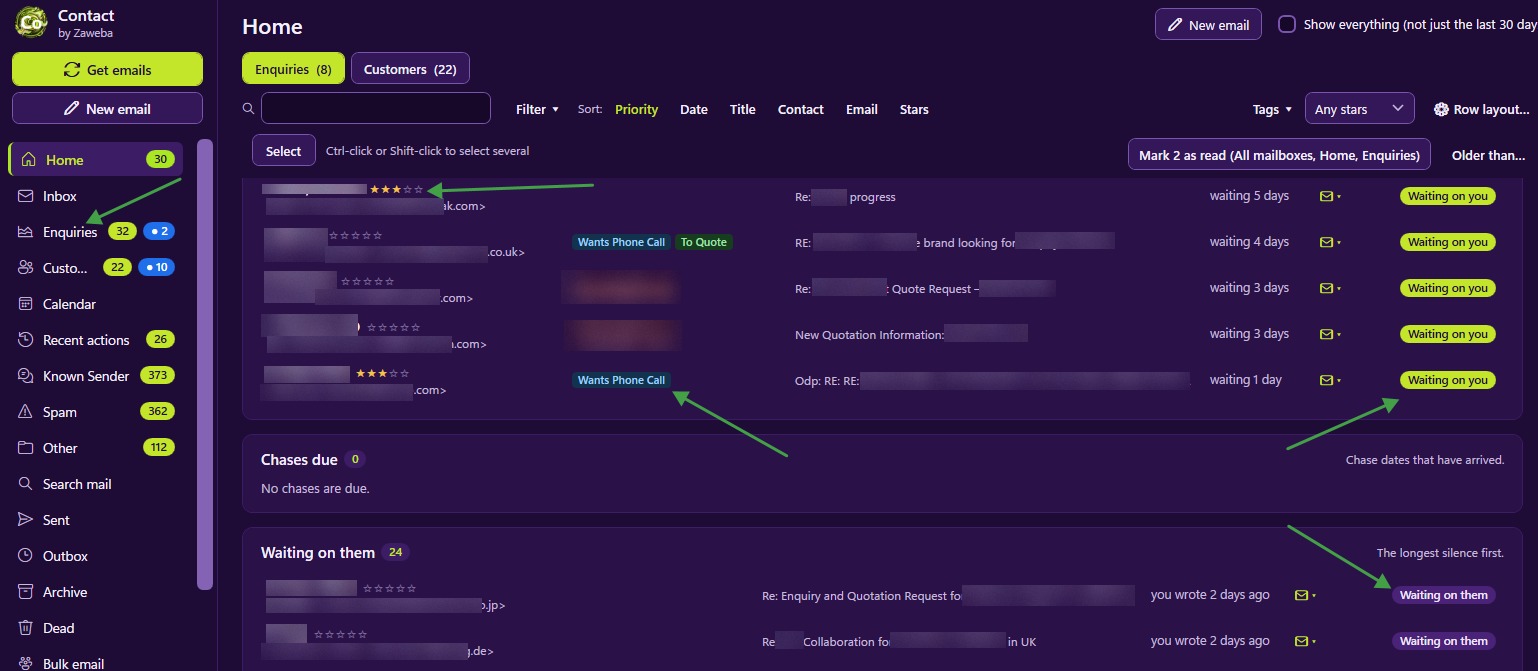
Unread counts have a problem. Once a folder has a few unread emails you meant to get to, the number stops telling you anything. Did something arrive in the last hour, or is that the same three from yesterday? Contact by Zaweba answers that separately with N new, a count of mail that arrived since you last looked.
New is not the same as unread
Boxes in the navigation light up with N new when mail arrived after you last looked at them. That is separate from unread. Unread tracks whether you have opened an email; new tracks whether anything has arrived since you last visited the box.
The difference matters in a busy week. You can leave emails unread on purpose, as a reminder to deal with them properly, without losing the ability to spot fresh arrivals. When a box shows 2 new, there are two emails you haven't seen at all, whatever the unread count says.
It also means you can glance down the navigation after a check for mail and see exactly where things landed. If Customers shows new and the Inbox doesn't, the mail matched existing records and needs no filing.
Renaming and colouring boxes
You can rename every box, so the navigation uses your words. A shop might rename boxes to match how it thinks about its work; a tradesperson might prefer Jobs to Customers. The names are just labels, so renaming doesn't change how anything works.
Each box can also have one of ten highlight colours. Colour helps the eye find the box that matters. Give the Inbox a bright colour if filing new senders is the first job of the day, or colour a customer folder for your biggest account so its new count stands out.
The highlight colours are tuned for each theme, so a colour chosen in a dark theme still reads well if you switch to a light one.
The taskbar badge
Contact shows a badge on its taskbar button, such as 3 new, so you can see from any other program that something has arrived. You don't need to keep switching to Contact to check. When the badge appears, have a look; when it doesn't, carry on with what you are doing.
Using new counts in your day
Check new before unread. New tells you what has changed; unread tells you what you've left. Deal with the changes first, then work through the backlog.
Colour sparingly. If every box is bright, none stands out. Two or three highlighted boxes, for the places where speed matters, work better than ten.
Rename boxes once, early. Changing names often makes it harder to find things by habit.
Let the badge do the watching. Contact checks for mail every 30 minutes by default and when it starts, and Get emails checks now. The badge means you only need to look when there is something to see.
New counts beside the other signals
New counts sit alongside the other signals Contact gives you. Home lists who is waiting on you, the folder counts of waiting and unread on customer folders show which group needs attention, and Contact's own unread marking never changes the server. Together they let you see at a glance where to start, without opening every box to find out.

