
How to stop a company domain matching the wrong customer
In Contact by Zaweba, open the Matching panel on the record and switch off domain matching, or keep one address out, so mail stops landing in the wrong place.
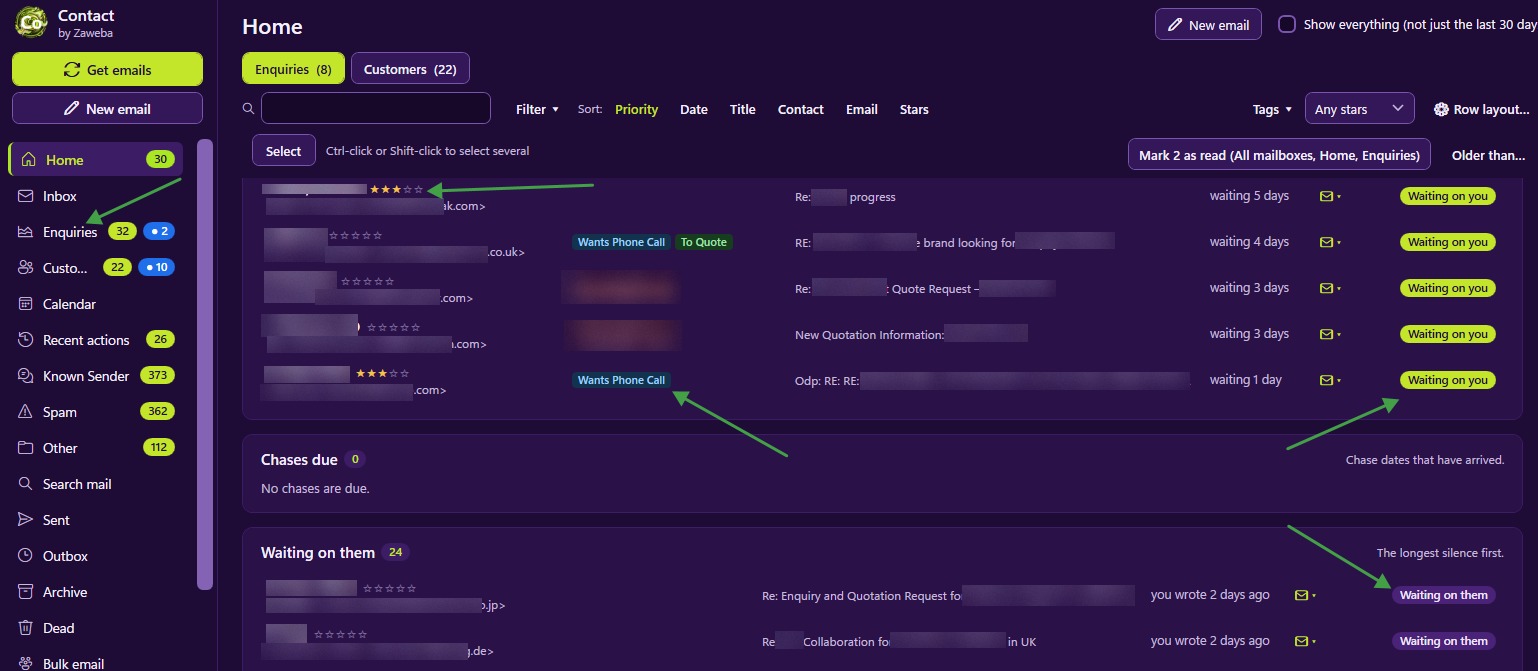
To stop a company domain matching to the wrong customer in Contact by Zaweba, open the Matching panel on that record and switch off domain matching, or keep the problem address out. Domain matching then stops pulling in new people from that domain, and anyone you keep out is never matched to the record again. Both changes are listed in Recent actions with an Undo.
How a domain ends up matching the wrong record
With domain matching on for a record, mail from anyone at the sender's company domain joins that record, and anyone new at that domain is added as a contact. That's ideal for a small firm where everyone writing to you is part of the same relationship.
It goes wrong in a few familiar ways. A large organisation might have several departments who are separate customers to you. A group of companies may share one domain. Or someone at a client's domain writes about something unconnected, such as a personal purchase or a different business they run.
Contact already avoids the worst cases. Your own domains are never matched, and consumer domains such as Gmail are never offered for domain matching, since thousands of unrelated people share them.
Fixing it on the record
Open the record that is collecting the wrong mail and go to its Matching panel. It lists exactly what brings mail in: each contact's address and any domain that matches.
If the whole domain shouldn't be matching here, switch off domain matching. From then on, only the people listed as contacts bring mail into this record. Anyone who does belong can be added as a contact by hand.
If the domain is right but one person isn't, keep that address out instead. Everyone else at the domain carries on matching, and that one sender never does. You can also remove an address from the list if someone was added as a contact who shouldn't have been.
Dealing with the emails already filed
Changing the rule affects mail from now on. For emails already in the wrong record, right-click each and choose Why is this here? It explains what brought it in and offers to move it to the Inbox or another record. If a whole thread is in the wrong place, right-click it in the Threads strip and move it, with its future replies, to another record or to a new enquiry or customer.
Choosing the right setting for each customer
When you set up a record, think about whether domain matching suits it. A company with its own domain and a handful of staff who all deal with you is the classic yes. A large organisation where you serve one team is often better with contacts only. A sole trader writing from a personal address doesn't need it at all.
If two records share a domain, at most one should have domain matching on, and often neither should. Contacts decide the rest.
Checking it worked
The next time someone from that domain writes, check where the email lands. If it goes to the Inbox, Contact has no rule for it now and you can file it correctly once, after which Contact remembers. If it still goes to the wrong record, use Why is this here? to see which rule is still bringing it in.
Every change here is a separate entry in Recent actions, each with its own Undo, so you can adjust matching with confidence and step back if a change has a side effect you didn't expect.

