
Unread marks, read timing and HTML emails in Contact
Contact by Zaweba keeps its own unread marks without changing the server, lets you set when a conversation counts as read, and shows HTML emails safely.
Small settings decide how comfortable a mail program is to live with, and few matter more than when something counts as read. Contact by Zaweba gives you control over that, keeps its unread marks to itself, and shows formatted emails in a way that protects you from what some of them carry.
Contact's own unread marking
Unread in Contact is Contact's own marking. It never changes the server. Opening an email in Contact does not mark it read in your email program, and marking it read in your email program does not change it in Contact.
That fits the way Contact works beside your mailbox. It fetches mail without marking it read, deleting it or moving it, so your email program carries on as before. The two programs keep separate track of what you have looked at, which is useful when you use your email program for general mail and Contact for customers.
Ctrl+U marks an email unread and Ctrl+Q marks it read. Marking something unread again is a handy way to leave yourself a reminder to come back to it.
When a conversation counts as read
Opening a conversation reads it after 2 seconds by default. You can change that to 5 or 10 seconds, or to only on Mark as read.
The delay protects you from accidental reads. If you click through a list quickly, the conversations you only glance at stay unread, and only the ones you stop on are marked. A longer delay suits people who scan a lot before settling. Only on Mark as read suits those who treat unread as a to-do list and want nothing marked until they say so; with that setting, Ctrl+Q becomes part of your rhythm.
Formatted emails, shown safely
Emails with an HTML part show as formatted, with their fonts, colours and layout, so an order confirmation or a newsletter looks as the sender intended. They are shown in a sandbox, kept apart from the rest of the program.
Web pictures are blocked until you choose Show pictures. Pictures loaded from the web can tell a sender when and where you opened their email, and some spam uses that to confirm an address is live. Blocking them by default means you decide who gets that information. For a customer you trust, Show pictures fills in the images; for anything you aren't sure about, leave them off.
Picking settings that suit you
If you read in the reading pane while working down a list, a 5 or 10 second delay stops quick glances from clearing unread marks.
If you use unread as a list of things to do, choose only on Mark as read and mark with Ctrl+Q when each is dealt with.
Leave pictures blocked unless you need them. Most business emails make sense without their images, and a customer's attached photos are attachments, not web pictures, so they are not affected.
How it fits with other signals
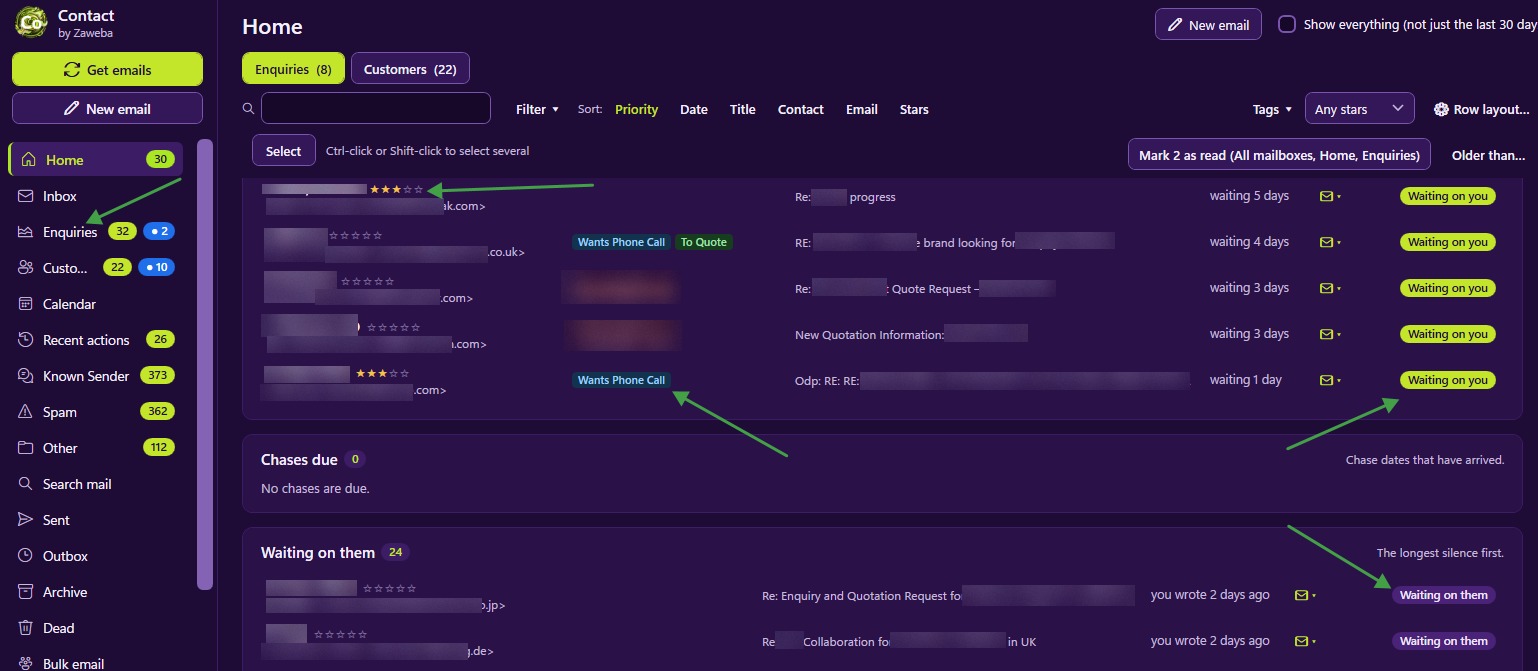
Unread is one of several signals in Contact. N new on the navigation boxes shows mail that arrived since you last looked, separate from unread. Status shows who is waiting on whom, and marking an email answered or needs reply adjusts it. The All | Unread switch on lists shows only unread mail when you want a quick sweep. Between them you can tell what is fresh, what is unread and what needs an answer, which are three different questions.

