
A free snake game in 8-bit style
Slither in Games by Zaweba is the classic growing snake in 8-bit style: eat the apples, chase the flashing bonus and don't bite your own tail.
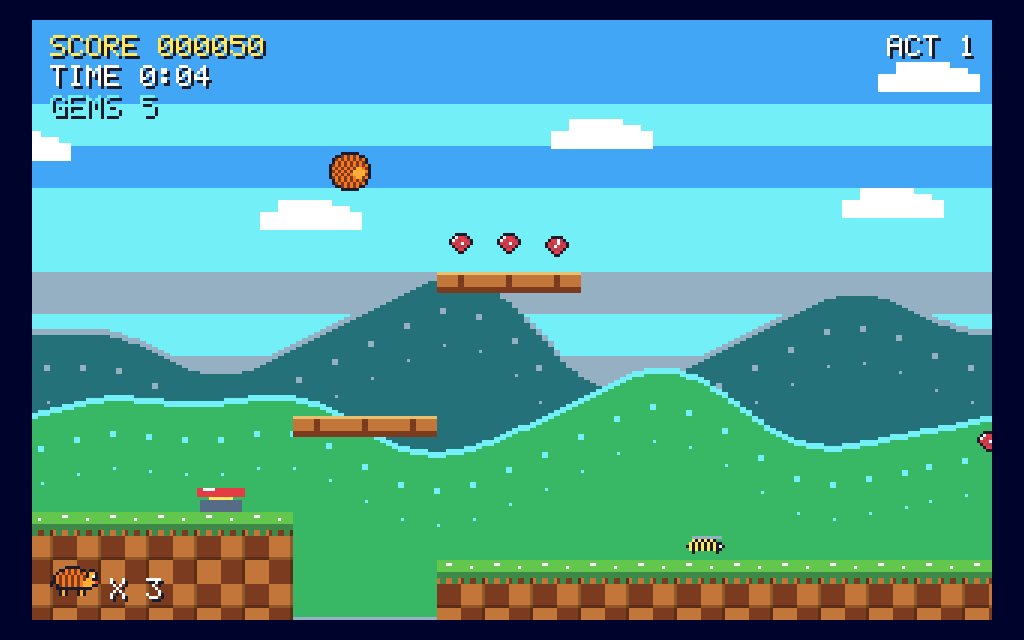
Slither in Games by Zaweba is a free snake game in an 8-bit home computer style. You steer the snake to the apples, each one makes it longer and faster, and you try not to bite your own tail. It's on the Retro arcade shelf, plays offline and has no adverts or account.
It's the classic idea, as simple as ever, and an easy game to come back to for a few minutes at a time.
Steering the snake
Use the arrow keys or WASD to turn. You can also use the mouse: click beside the snake's head to turn that way. The snake never stops, so every turn is a decision you make on the move.
Each apple makes the snake longer and faster. That is what makes the game harder the better you do: more snake to avoid and less time to think. Hit a wall or your own body and you lose a life.
The flashing bonus
Now and then a flashing bonus appears. Grab it before it vanishes for extra points. It's tempting to rush for it every time, but a long snake chasing a bonus across the screen is a good way to lose a life. Go for it when there's a clear path, and let it go when there isn't.
Mazes
Slither also has Mazes. In this mode you eat ten apples to reach the next maze, so the walls are part of the puzzle as well as the danger. Each maze asks you to plan a route through its corridors, and a long snake has to be careful in the narrow parts.
Mazes keep their own best score, separate from the open game, because the best score in Games by Zaweba is kept per game and per mode.
Habits that keep you alive
The main danger in any snake game is boxing yourself in. As the snake grows, try to keep it in tidy loops near the edges rather than coiling in the middle, so there's always an open path to the next apple. Don't turn back towards your tail unless you're sure there's room.
Turn early rather than late. With a fast snake, the turn you meant to make one square ago is the one that sends you into a wall. Watching a little ahead of the head, not at it, helps a lot.
Slither's 8-bit look is part of its charm. It is drawn in the style of a 48K home computer, with chunky blocks and bright colours, and the sounds are made in code in the same spirit. The game is quick to start and quick to finish, so it fits neatly into a short break, and the best score on the tile gives you a reason to try once more.
Playing Slither in Games by Zaweba
Find Slither on the Retro arcade shelf, or press Ctrl+F and type its name. The title card explains how to play and shows the modes, F1 explains it again, Esc pauses and F11 makes it full screen. Slither is also one of the games you can open straight from the command line: ZawebaGames.exe followed by slither opens straight into it, which is handy for a desktop shortcut.
Your plays and best scores sit on the tile, in a scores file on your own PC. The retro shelf has 26 original arcade and platform games in all, so if Slither brings back memories, there is plenty more in the same spirit.

