
How to find a game quickly in a big library
With 82 games in Games by Zaweba, the quickest way to one is the search box (Ctrl+F), plus the Favourites and Recently played shelves.
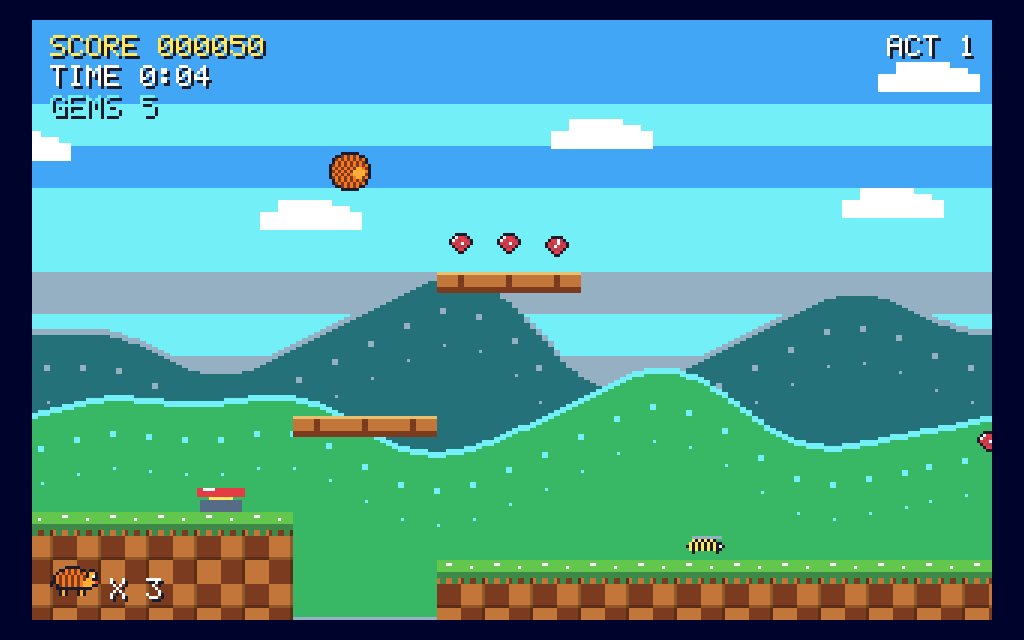
Type a few letters of a game's name into the search box in Games by Zaweba (Ctrl+F takes you there) and the library filters as you type, so a game appears among the 82 without any scrolling. For the games you come back to, star them so they sit on the Favourites shelf, and look at Recently played for whatever you opened last.
Those tools between them cover nearly every way you'd want to get back to a game. Search is for when you know the name, Favourites for the games you love, and Recently played for picking up where you left off.
The library's layout
When the app opens you see All games, Favourites and Recently played at the top, then shelves for Cards, Board games, Puzzles, Skill & sport and Retro arcade, each with a count. There are 82 games in all, which is a lot to scroll through if you're after one in particular.
Each tile shows a picture of the game being played, who plays (on your own or against the computer), how many times you've played, your wins and your best score. That makes the tiles easy to recognise once you know a game, but it doesn't help much when you're looking for something you've only heard of.
Searching as you type
The search box sits over the library. Press Ctrl+F to jump into it, and the games filter with every letter. Typing a few letters is usually enough. You don't need the full name, and you don't need to press Enter.
It helps to know that traditional games keep their traditional names. Draughts is called Draughts and Mill is the nine men's morris board. Some of the games have their own names, though, such as Tables for backgammon, Open Cells for the free-cell patience and Number Place for the 9 by 9 number grid. If a search for a word finds nothing, try the shelf instead: Cards, Board games or Puzzles will show you the family the game belongs to, and the picture on each tile shows what it looks like.
Favourites: a shelf of your own
Every tile has a star. Click it and the game joins Favourites, which sits at the top of the library. Over a week or two this becomes the short list of games you really play, and you can ignore the rest until you're in the mood for something new.
It's worth being a little choosy. A Favourites shelf with forty games on it is just the library again. Keep it to the ones you'd open on an ordinary evening and it stays quick to use.
Recently played: picking up again
The Recently played shelf lists the games you opened last. If you played Hidden Mines over lunch and want another go in the evening, it's there without a search. It also helps on a shared PC, where it reminds you which games have been getting a lot of use.
When you want to browse instead
Sometimes the problem isn't finding a game but deciding on one. Surprise me (Ctrl+R) picks a game at random from the whole library, and it can land on anything from patience to a retro platformer. Each game opens on a title card that explains the rules and controls, so you're never dropped into something you don't understand.
If there's one game you open every single day, you can skip the library entirely. Games by Zaweba accepts a game id after ZawebaGames.exe, for example slither or draughts, so a desktop shortcut can open straight into that game. Combined with search and Favourites, that means your most played game is one double-click away and everything else is a few letters away.

