
Finding your way round the game library in Games by Zaweba
How the library in Games by Zaweba is laid out: All games, Favourites, Recently played and five shelves holding 82 games, with plays, wins and best scores.
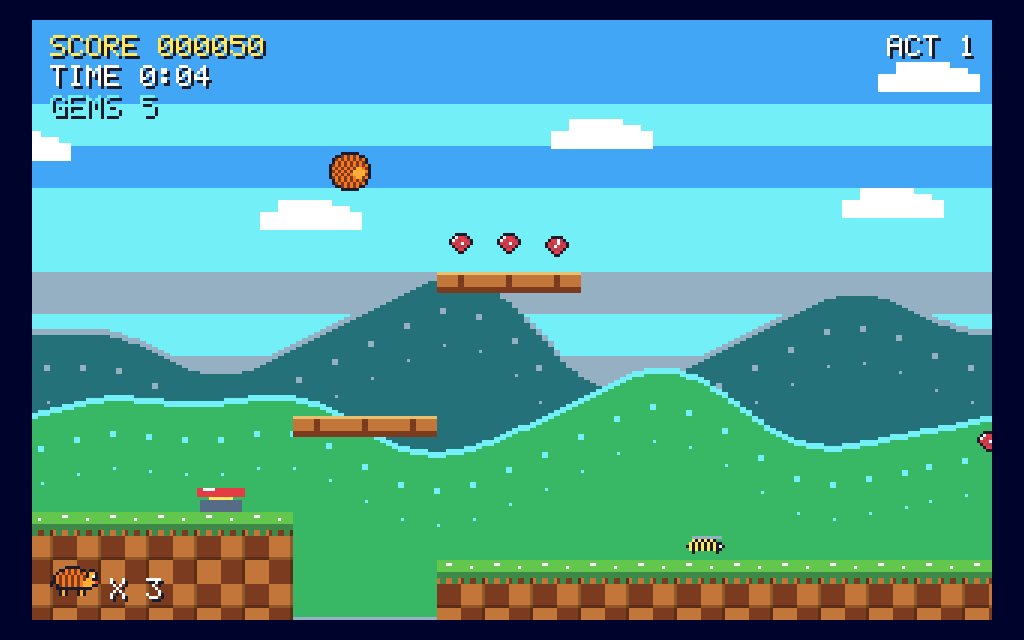
The first thing you see when Games by Zaweba opens is the library, and it is where every evening of play starts and ends. It holds 82 games in all, arranged so that you can reach a familiar one in a moment or wander along a shelf and try something new.
At the top sit three views that cut across everything: All games, Favourites and Recently played. Below them come the shelves, each named after a kind of game and each showing how many it holds. There are five: Cards, Board games, Puzzles, Skill & sport and Retro arcade. The counts are a small touch, but they tell you at a glance how much is waiting on each one.
How the shelves are arranged
Each shelf gathers games that feel alike to play. Cards has the patience games and the card games against the computer. Board games has the traditional games you would once have found in a cupboard at home. Puzzles is for logic and thinking. Skill & sport is for games where a steady hand and good timing matter. Retro arcade is the shelf for anyone who grew up with 8-bit and 16-bit machines.
Grouping by kind rather than by name means you can choose by mood. If you want ten quiet minutes, the Cards shelf is the place. If you want to beat the computer at something you learned as a child, Board games will do. When you want to see the whole collection in one long view, All games puts every tile on the screen together.
What each tile tells you
Every game has a tile, and the tile does more than carry a name. It shows a picture of the game being played, so you can recognise it before you read a word. It shows who plays, which tells you straight away whether it is a game on your own or one against the computer. It also keeps a running record of how many times you have played, how many wins you have had and your best score.
That record turns the library into a quiet diary of your habits. A tile with a long run of plays and few wins is a game that keeps beating you. A tile with a best score you remember being proud of is a good one to go back to and try to beat. You never have to open a separate scores page to find these things out.
Why it all works offline
Everything you see in the library, and everything in the games themselves, is drawn in code. Every sound is synthesised in code too. That is why the app needs no images, no network and no accounts. Nothing has to be downloaded when you open a game, nothing is fetched from a server, and nobody asks you to sign in. The pictures on the tiles come from the same drawing code as the games, so they always match what you will see when you start playing.
For a family computer, or a laptop on a train, this matters. The library looks the same whether you are connected or not, and there are no adverts to scroll past on the way to a game.
Getting the most from the library
A good habit in your first few sessions is to browse one shelf at a time rather than jumping around the whole collection. Open a game, read its title card, play a round and come back. Your plays start to show on the tiles, and Recently played begins to fill with the games you actually reach for.
Once you have a handful you like, mark them as favourites so they sit together in their own view. Between Favourites, Recently played and the shelves, you rarely need to scroll far. And if you know the name of the game you want, the search box is quicker still.
The library is simple by design. It is there to get you into a game quickly and to remember how you did, and it does both without asking anything of you.

