
Sending a picture from Image Viewer to Paint and other apps
The Edit and Open in buttons in Image Viewer by Zaweba pass the picture to Paint by Zaweba or another installed Zaweba app that opens it.
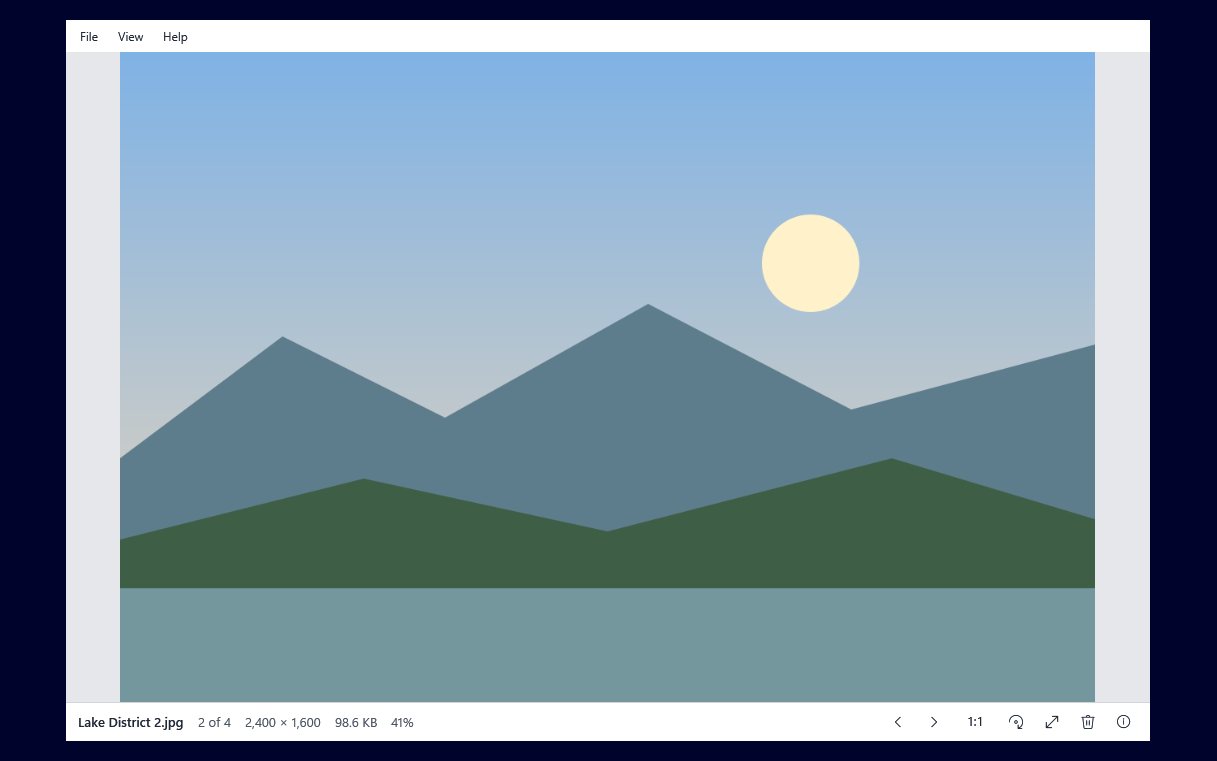
Looking is the whole job of Image Viewer by Zaweba. It does not crop, retouch or add text, and that is a choice: a viewer that tries to be an editor gets slower and more crowded. Instead, when a picture needs work, two buttons on the bottom bar hand it to an app that does the job.
The Edit button
Edit opens the picture you are looking at in Paint by Zaweba. It appears when Paint is installed and Paint opens that kind of file. If either is not true, the button is not shown, so you never click something that leads nowhere.
The flow is simple. Step through a folder, find a photo that needs straightening, cropping or a touch of retouching, click Edit, and it opens in Paint. You do the work there and save as you normally would in Paint. Back in the viewer, the folder watcher notices changed and added files, so a new copy saved into the same folder appears in its place in the order.
Open in
Open in lists other installed Zaweba apps that can open the picture's type. The list comes from the Zaweba suite registry, which the installed Zaweba apps share, so it reflects what is actually on your PC. Install another Zaweba app that handles pictures and it can turn up in the list; uninstall one and it goes.
Like Edit, Open in appears only when there is something to offer. On a PC with just Image Viewer installed, the bar stays shorter.
A good working pattern
The pairing works best when you keep the two jobs apart. Use Image Viewer to go through a folder quickly: step with the arrow keys, delete the misses with Del, rotate the odd sideways shot with R and save the rotation. Only when a picture needs real editing do you hand it on.
That keeps the slow part of the job, the editing, for the few pictures that deserve it. Most photos need nothing more than a look, and the viewer opens in about half a second, so looking stays quick.
If you are editing a set, it can help to copy the originals to a working folder first. Show in Explorer opens the picture's folder with the file selected, which is the quickest way to get there.
Points worth knowing before you click Edit
Rotation does not need Paint. Image Viewer turns JPEGs whose size is a whole number of compression blocks losslessly, re-encodes other JPEGs at quality 95, and re-encodes PNG, BMP, TIFF and still GIFs losslessly, keeping EXIF. Opening an editor just to turn a photo is extra work and, depending on how you save, may cost quality.
The viewer hands over the file itself, so Paint opens the same picture you were looking at, from the same folder.
If the Edit button is missing for a particular picture, check the type. Image Viewer reads everything Windows' imaging codecs read, which can be more types than a given editor opens.
Why it is built this way
Each Zaweba app is meant to do its own job well. Image Viewer's job is to show pictures fast and plainly, and to step through a folder in the order Explorer uses. Paint's is editing. The Edit and Open in buttons are the join between them, small enough not to clutter the viewer and there exactly when they help.

