
Image Viewer by Zaweba on Mac and Linux: what it does
The Mac and Linux build of Image Viewer by Zaweba shows JPEG, PNG, GIF, BMP, WebP and ICO with the same stepping, zoom and slideshow.
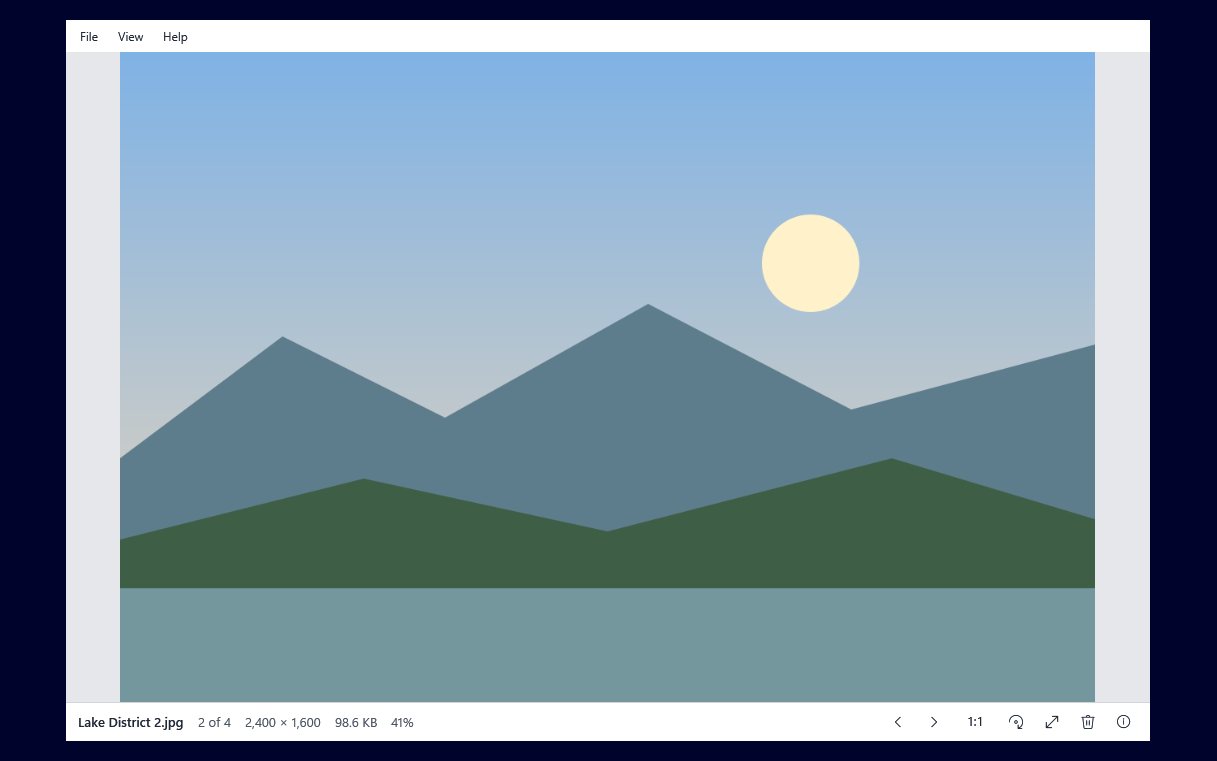
Image Viewer by Zaweba started on Windows, where it can be the picture viewer a photo opens in when you double-click it. There is also a version for macOS and Linux. It is built with Avalonia, a toolkit that runs on both systems, and it keeps the same plain idea: the picture fills the window and you step through the folder.
What it opens
The Mac and Linux version shows JPEG, PNG, GIF, BMP, WebP and ICO. That covers the photos from most cameras and phones once they have been saved as JPEG, screenshots, web images and icons.
It is a shorter list than on Windows. The Windows version reads everything Windows' imaging codecs read, which there includes HEIC, AVIF, TIFF, JPEG XR, DDS and, with Microsoft's free extensions, camera raw and JPEG XL. The Mac and Linux list above is the one to go by on those systems, so if your phone saves HEIC files, convert them or set the phone to save JPEG before viewing them there.
What works the same
The habits carry across. You step through the pictures in a folder the same way, zoom the same way, and run a slideshow the same way. Rotation works too, and when you save a rotation it is saved losslessly through the EXIF orientation: the note in the file that says which way up to show it changes, and the pixels are left alone.
The info panel is there, showing the picture's details. Delete sends a picture to the Trash, the Mac and Linux equivalent of the Recycle Bin, so a mistake can still be undone.
What is Windows only
Some features belong to Windows because they rely on it. Making Image Viewer the default for pictures uses Windows' Default apps page. Set as desktop background, the Recycle Bin, Show in Explorer and the Edit button for Paint by Zaweba are all described in terms of Windows on the Windows version. If a feature is not in the list above, assume it is a Windows feature rather than something the Mac and Linux build offers.
Who it is for
The Mac and Linux version suits anyone who uses more than one system and wants the same plain viewer on each, or anyone on a Mac or a Linux desktop who wants a viewer that does little but does it quickly. It suits shared family computers, where a simple viewer is easier to explain than a photo library.
It is also helpful for working across systems. If you sort photos on a Windows PC at home and look at them on a Linux laptop elsewhere, stepping through a folder, zooming and the slideshow will feel the same in both places.
Getting the best from it
Keep pictures in ordinary folders. Image Viewer works on folders and files, not on a library database, so it shows whatever is in the folder you opened, in name order.
Save from the phone or camera as JPEG if you plan to view on Mac or Linux, since that is the most widely supported format in the list.
Use lossless rotation without worry. Because the Mac and Linux version stores the turn in the EXIF orientation, rotating and saving does not re-encode the photo at all.
Like the Windows version, it is free software under the EULA, with no account. It keeps the app's main promise on every system: open a picture, see it filling the window, step to the next.

