
A simple picture viewer for Mac and Linux
Image Viewer by Zaweba also comes for Mac and Linux, with the same folder stepping, zoom, slideshow, rotation and info panel as the Windows version.
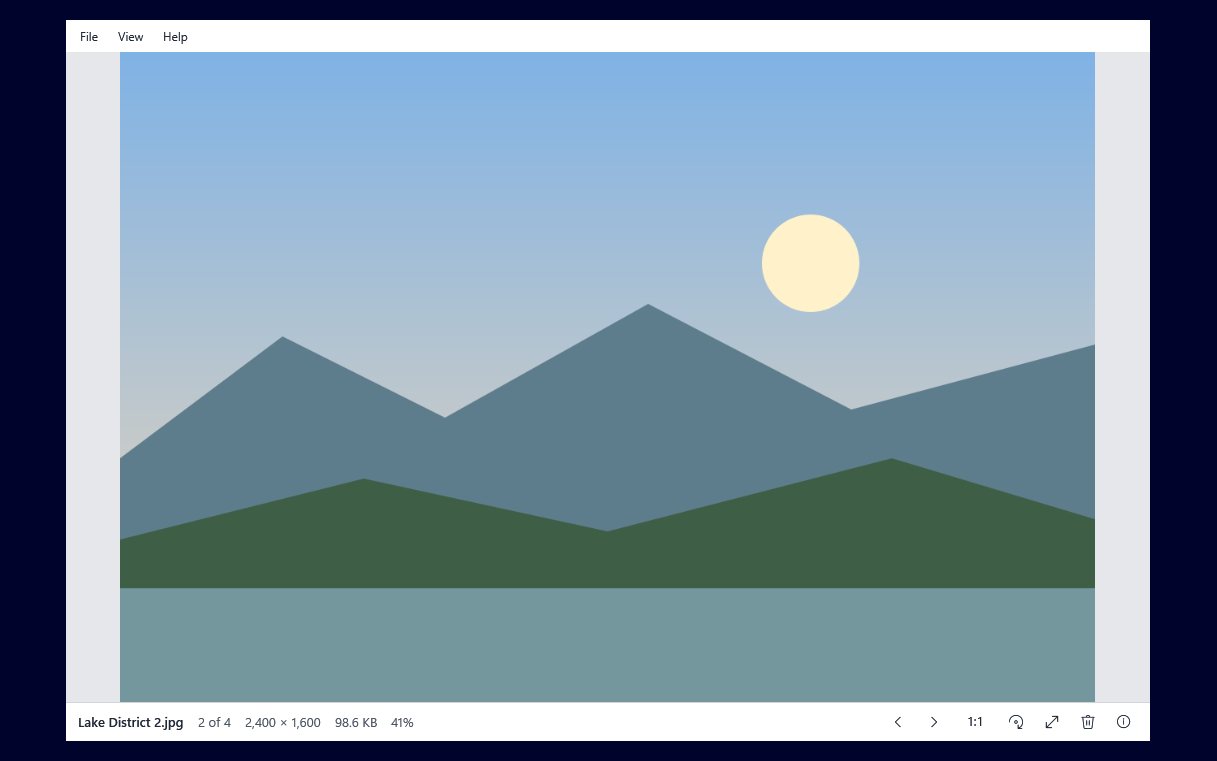
Image Viewer by Zaweba has a Mac and Linux build that keeps things just as plain as it is on Windows. It shows JPEG, PNG, GIF, BMP, WebP and ICO, steps through the folder, zooms, runs a slideshow, turns pictures and has an information panel and delete to the Trash. If you want to open a picture and look at it, with very little else on screen, it does exactly that.
Plenty of viewers on both systems have grown into photo managers with libraries, albums and import wizards. That is useful for some people, and in the way for others who just want to double-click a file and see it.
What the Mac and Linux version does
It is an Avalonia build made from the same project as the Windows app, and it offers the same core habits. Open a picture and it fills the window. Step through every picture in the folder with the keyboard or mouse, in name order, wrapping back to the start at the end. Zoom in and out and pan around. Run a slideshow. Turn a photo and keep the turn. Look at the details in the information panel. Delete a bad shot to the Trash and move on.
Rotation on these systems is saved losslessly through the EXIF orientation, so turning a photo never costs any quality.
Formats to expect
On Mac and Linux it shows JPEG, PNG, GIF, BMP, WebP and ICO. That covers phone photos once they are JPEG, screenshots, web images and icons. TIFF, HEIC, AVIF and camera raw rely on Windows' own codecs, so those are Windows-only. If your phone saves HEIC, set it to save JPEG or convert the files before viewing them on Mac or Linux.
Getting started
Download the Mac or Linux version from the Zaweba site and install it the usual way for your system. It runs on macOS 12 or later (Apple silicon and Intel) and on 64-bit Linux, on x86 and ARM. Open a picture with it, and use the arrow keys to move through the folder. Like the Windows app, it is free software under the EULA, works offline and needs no account.
Living with a simple viewer
A plain viewer works best when you let other tools do the other jobs. Use your file manager to organise folders, and the viewer to look through them. Open a folder of holiday photos, step through at your own pace, turn the odd sideways shot, delete the blurred ones, and you are done.
The slideshow is handy for showing photos to someone else in the room. Start it, let it run, and the folder plays through without you touching anything.
The information panel answers the practical questions that come up while looking, such as how big a picture is, without cluttering the view the rest of the time.
Same habits on every computer
If you use Windows at work and a Mac or Linux machine at home, the same viewer on both means the same keys and the same behaviour. The Windows version has more file actions, such as renaming, printing and setting a desktop background, and reads more formats through Windows' codecs. The Mac and Linux version keeps the core of it: open, step, zoom, turn, check, delete.
For a lot of people, that core is the whole job.

