
Is there a labels program for Mac or Linux?
Yes. Labels by Zaweba, the address book and label printer, also comes for macOS and Linux, with the same designs and address book formats as on Windows.
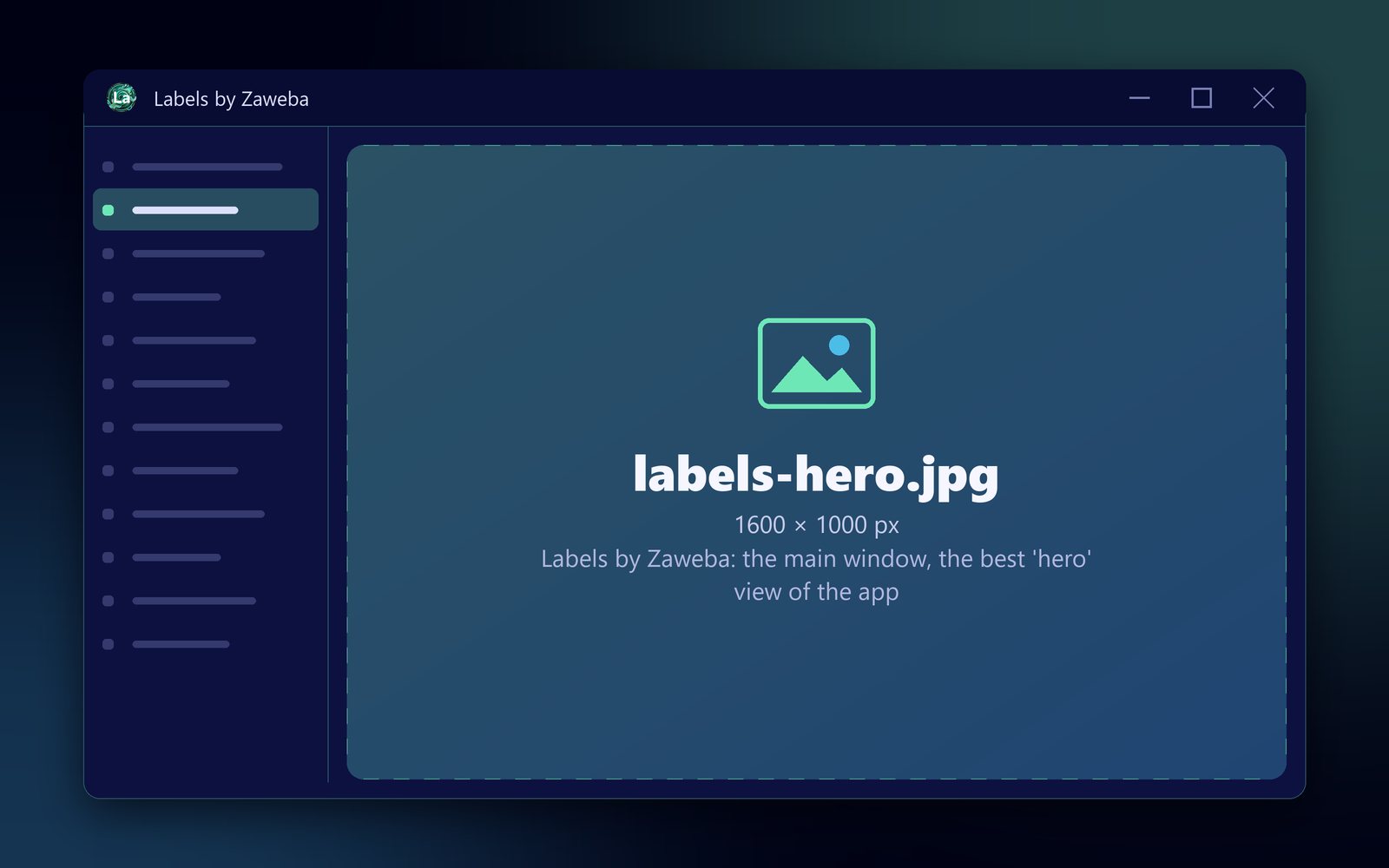
Yes. Labels by Zaweba, an address book with label, envelope and mail-merge printing, comes for macOS and Linux as well as Windows. The Mac and Linux builds are made from the same source as the Windows app, at the same version, and label designs and the address book use the same formats on all three. It is free software, works offline and needs no account.
That makes it a practical choice for a household, club or small business where not everyone uses the same kind of computer.
What you can do with it
Keep contacts in groups such as Christmas cards, Club members or Customers, and import them from a CSV file. Design a label with text, merge fields, pictures, shapes, barcodes and QR codes, with sample data shown as you work. Print onto standard UK Avery sheets such as L7160, custom sheets you set up yourself, thermal label rolls, or DL, C5 and C4 envelopes, starting part-way down a used sheet if you like. Or export a PDF at the exact size of the stock.
Printing on Mac and Linux
On Mac and Linux, Labels prints to the chosen printer through CUPS, the printing system those computers use, or saves as PDF. The label layout is the same one that feeds the live preview, so the preview shows what will come out.
For a new printer or sheet, make a quick test first. Export a PDF with label outlines, print it on plain paper and hold it against a label sheet up to the light to check the fit.
Systems supported
It is the same version on all three systems, so features and file formats keep in step rather than one lagging behind. The Mac version runs on macOS 12 or later, on Apple silicon and Intel. The Linux version runs on 64-bit Linux, on x86 and ARM. The builds are made on GitHub's machines from the same source as the Windows app.
Sharing between computers
Because the formats match, a design saved as a .ozl file on one computer opens on another, whichever system it runs. Pictures and logos are stored inside the design file, so nothing goes missing when you copy it.
Contacts move most easily as CSV. Export the address book, or just one group, as a CSV file, then import it on the other machine. The import matches header names generously and skips duplicates with the same name, company and postcode, so you can import an updated list without doubling up.
Who it suits
The licence agreement is asked once on first start, and after that the app opens straight into the address book. Light and dark themes, recent designs and your saved return address are remembered, so the second session picks up where the first left off. There is no account to create on any of the three systems.
Families sending Christmas and birthday cards, clubs posting newsletters to members, small sellers printing shipping labels on a thermal printer and shops making product and price labels all have the same need on every system: a list of people or products, a label design, and printing that lines up. Labels keeps the list and the design together, so the job is the same whichever computer you sit down at.

