
Can I keep an address book offline without an account?
Yes. Labels by Zaweba keeps your contacts in a local database on your PC, with no account, no sign-in and no cloud, and prints labels from them too.
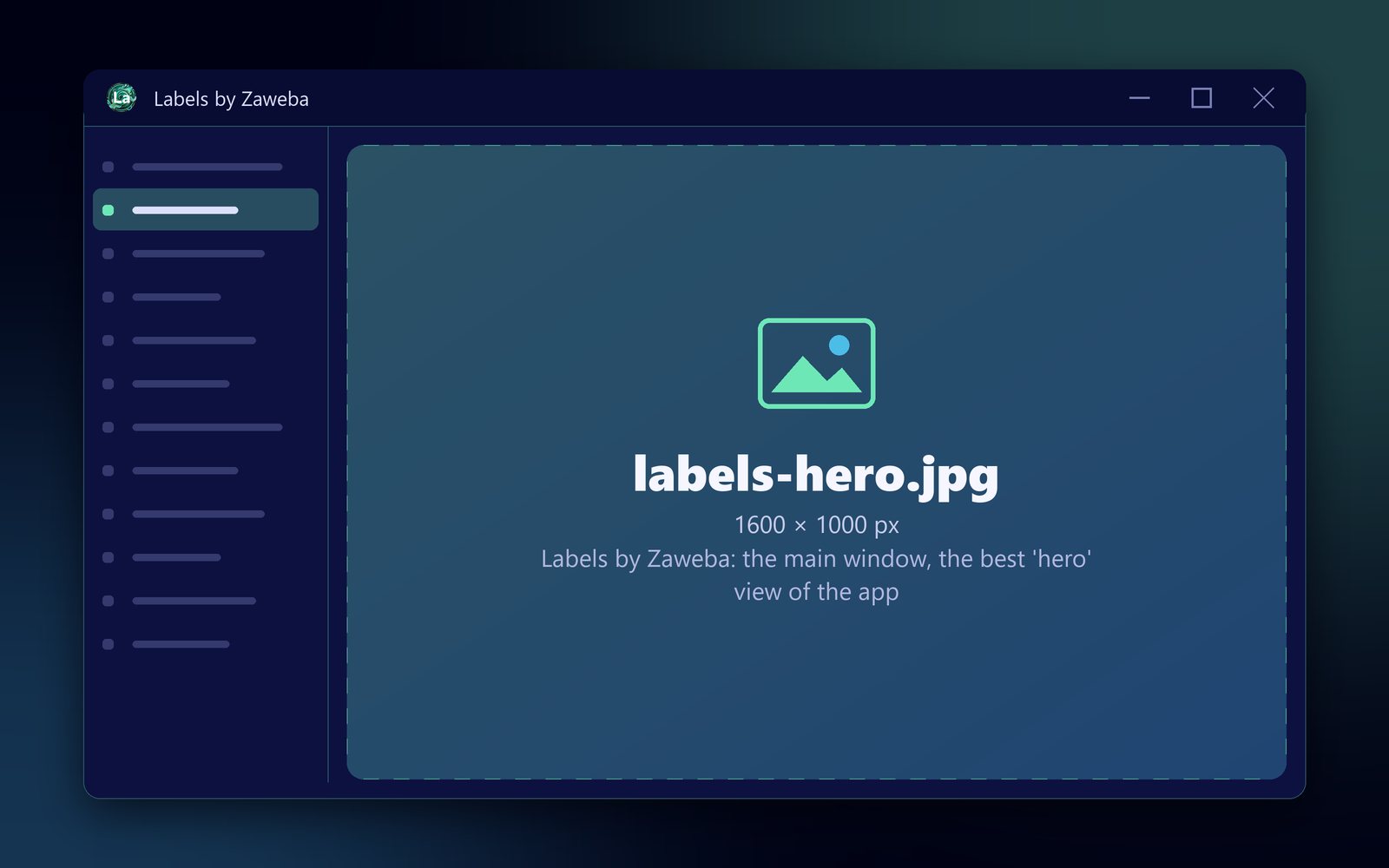
Keeping contacts offline is exactly how Labels by Zaweba works. It is an address book that lives entirely on your own computer. Contacts are kept in a local database file on your PC, there is no account to create, and nothing is sent anywhere unless you choose Send feedback. It also prints the addresses onto labels and envelopes, which is usually why people keep an address book in the first place.
Many contact apps today expect you to sign in and sync to someone's servers. That suits some people. For others, a private list of names and addresses that stays put is exactly the point.
What the address book keeps
Each contact has a name, company, three address lines, town, county, postcode, country, phone, email and notes, and any number of group tags. You can add, edit and delete contacts, select several at once, and search every field from one box, where several words must all match.
Groups are tags such as Christmas cards, Club members or Customers. A contact can sit in as many as you like, and groups are what you choose from when you print a batch of labels.
Why offline suits an address book
An address book holds other people's details: where they live, their phone numbers and their emails. Keeping that on your own PC means you decide who sees it. A club secretary or a small business holding customer addresses can say plainly where the data is kept.
Offline also means it works without the internet. You can print Christmas card labels on a laptop with no connection, and nothing slows down because a server is busy.
The responsibility that comes with it
Because nothing is in the cloud, there is no automatic copy somewhere else. Make your own. CSV export writes the whole address book, or just the current group, to a CSV file in UTF-8 with a byte-order mark, which opens properly in Excel. Keep a copy on a USB stick or another drive, and refresh it after big changes.
If you move to a new computer, that same CSV brings everything across. Import it on the new machine; Labels matches header names generously and skips duplicates with the same name, company and postcode.
Bringing in contacts from elsewhere
If your contacts are currently in Outlook or another address book, export them as a CSV file from there and import it into Labels. Header names such as Outlook's First Name and Last Name, Street, City, Post code, E-mail Address and Categories are recognised. There is no direct vCard or Outlook import, so CSV is the route.
What else it does
Labels was made in the spirit of the old Works address book, where the list and the labels lived together. Design a label with merge fields, logos, shapes, barcodes and QR codes, then print onto Avery UK sheets, thermal rolls or envelopes, or export an exact-size PDF. Write by Zaweba can also read the Labels address book for mail merge, making one letter per contact.
It is free software under the EULA, for Windows, with Mac and Linux versions too.

