
The audio formats Play by Zaweba opens, and how it plays them
MP3, FLAC, WAV, OGG, M4A and Opus all play in Play by Zaweba. Here is what each is good for and how mono, surround and odd sample rates are handled.
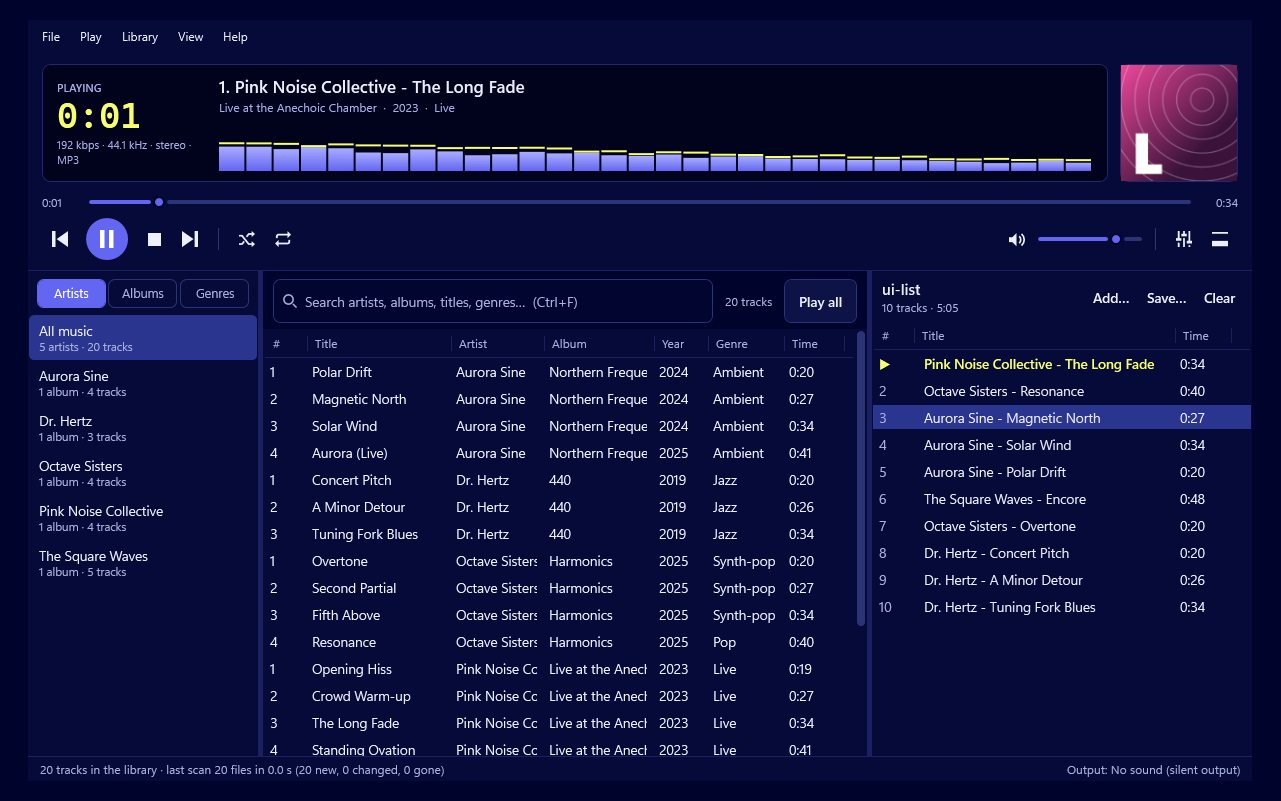
Most music collections are a mixture. A few albums bought as downloads, a run of CDs ripped years ago with whatever settings were the default then, some lossless files from a later, fussier phase, and odd tracks that arrived from friends in a format nobody remembers choosing. A player earns its keep by taking all of that in without fuss.
Play by Zaweba opens MP3, FLAC, WAV, OGG, M4A/AAC and Opus. For OGG it handles both Vorbis and Opus inside an .ogg file, and it also plays standalone Opus files. That covers the formats most people actually have on their drives, from the oldest MP3s to modern lossless rips.
What each format is good for
MP3 is the old reliable. It's lossy, which means some detail is thrown away to keep the file small, but at sensible bit rates it sounds fine to most ears and almost everything can read it. If your collection began in the early days of digital music, most of it is probably MP3.
FLAC is lossless. It squeezes the file down without throwing anything away, so what you hear is exactly what was on the original recording. It's the usual choice for people who rip their own CDs and want to keep them at full quality. WAV is also full quality but uncompressed, so the files are large; you'll often meet it for single tracks, recordings or material that came out of an audio editor.
M4A usually holds AAC audio, the format many shops and phones have used for years. OGG Vorbis and Opus are open formats. Opus in particular is very efficient, holding up well at low bit rates, so you'll find it in collections where space mattered.
You don't need to convert anything before Play will use it. Point Play at the folders where your music lives and every one of these formats sits side by side in the same library and the same playlists.
Mono, surround and sample rates
Formats are only half the story. Files also differ in how many channels they carry and the rate they were sampled at, and Play deals with that quietly so you don't have to.
A mono file has a single channel. Some players send it to one speaker or play it noticeably quieter than the stereo tracks around it. Play sends mono to both speakers at full level, so an old mono recording sits naturally between stereo ones.
Surround files carry more channels than a pair of speakers or headphones can use. Play mixes them down so you hear the whole recording rather than just the front pair.
Sample rate is the number of times per second the sound was measured. CDs use 44.1 kHz, much video and studio work uses 48 kHz, and high resolution downloads go higher. Play runs everything through its own mixer at one rate and resamples anything different to match. The mixer rate is 44.1 kHz unless you change it to 48 kHz in Preferences.
Choosing the mixer rate
If you're not sure, leave it at 44.1 kHz. It matches CD audio and most music files, so for a typical collection the majority of tracks need no resampling at all.
Choosing 48 kHz makes sense when your sound card or audio interface is set to 48 kHz and you'd rather the conversion happen once, inside Play, instead of somewhere further down the line. It's also a reasonable choice if a lot of your files are already at 48 kHz. Either way, your files themselves are never changed. Resampling happens only as the sound is played.
Getting the best from a mixed collection
A few habits help. Make sure your files are tagged, because Play's library reads artist, album, track numbers and covers from the tags. Untagged files still play, but they're harder to browse.
If tracks from different sources play at noticeably different volumes, that isn't the format's fault. Turn on ReplayGain in Preferences so tagged files are evened out. And when an album should run without gaps, Play joins tracks gaplessly in its own mixer whatever format they're in, which is one more reason the mixer handles every format the same way.
The short version: whatever mixture of files you've collected, Play by Zaweba will most likely open all of it, keep it together in one library and play it at the right level in both speakers.

