
Keeping playlists as M3U and M3U8 files with Play by Zaweba
Play by Zaweba opens, adds and saves M3U and M3U8 playlists with relative paths and track lengths, so your mixes last and move with your music folder.
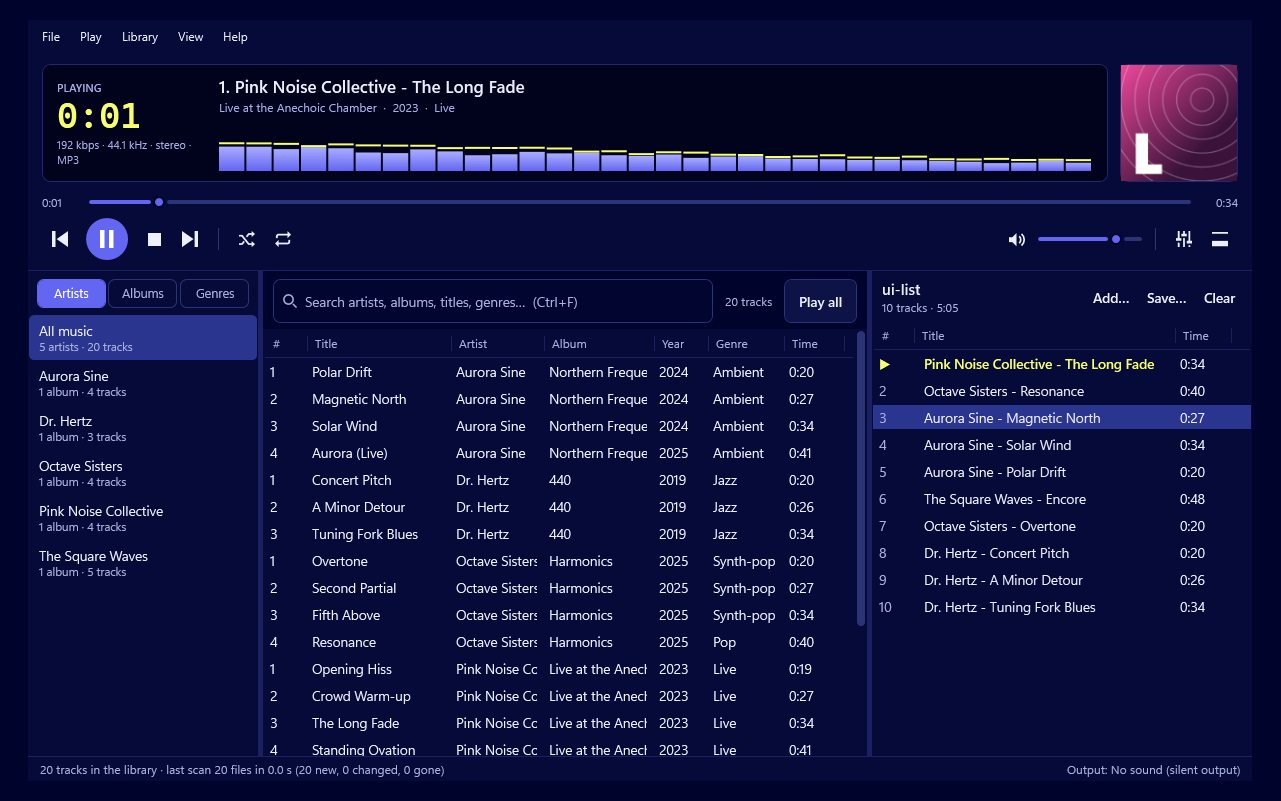
Playlists are often the most personal part of a music collection. Choosing and ordering forty tracks for a long drive or a dinner takes real time, so it makes sense to keep them in a form that will outlast any one program. Play by Zaweba keeps them as M3U and M3U8 files, two plain and widely understood playlist formats.
What M3U and M3U8 are
An M3U file is a short text file listing the music files in a playlist, one per line, in order. It doesn't contain the music itself, only where to find it. M3U8 is the same idea saved as UTF-8 text, which matters when track or folder names contain accented letters or characters from other alphabets. If your collection has any of those, M3U8 is the safer choice.
Because these files are plain text, a great many players and devices can read them. A playlist you make in Play isn't locked away in Play.
Opening, adding and saving
Everything lives in the File menu. File > Open a playlist loads an M3U or M3U8 file into Play. You can also add a playlist to what's already there, so two saved mixes can be combined into one.
File > Save the playlist writes the current playlist back to its file, and Save the playlist as writes it to a new one. Use Save as when you want to keep the original and start a variation, a shorter version of a long party playlist, say.
Relative paths, and why they matter
Play saves paths relative to the playlist file rather than as full drive paths. In plain terms, the playlist records where each track is compared with where the playlist itself sits.
That has a useful effect. If you keep your playlists inside your music folder and later move the whole folder to a new drive or a new PC, the playlists still find their tracks, because the relationship between them hasn't changed. A playlist with full paths would break the moment the drive letter changed.
The best habit, then, is to save playlists somewhere inside your music folder, perhaps a Playlists folder at the top of it. Then copy or back up the whole folder and the playlists travel with the music.
Lengths and titles
Each entry is saved with an #EXTINF line, the M3U convention for a track's length and title. Players that read it can show you a sensible title and total running time before they've even opened the files. It also makes the file easier to read if you ever open it in a text editor to see what's inside.
How it fits with the playlist you're playing
Play keeps the current playlist between runs anyway, so you don't need to save a file just to carry on tomorrow. Saved files are for keeping more than one. A good pattern is to build a playlist, save it as M3U8 with a clear name, then use File > New playlist to start the next one. Open whichever you want later.
Saved playlists also work well alongside the rest of Play. Shuffle, repeat, the queue, gapless playback and ReplayGain all apply once a playlist is open, exactly as they do for one you built by hand.
Things to watch for
If a track is renamed or moved to a different place relative to the playlist, the playlist can no longer find it. Play's library keeps track of renamed and moved files, but a saved playlist file is fixed text, so it's worth re-saving a playlist after a big reorganisation.
Tracks from an audio CD only exist while the disc is in, so they aren't a good fit for a playlist you intend to keep. Save the CD to your library first, then build the playlist from the saved files.
And if you share a playlist with someone else, remember it only lists file locations. They need the same music in the same arrangement for it to play.
Kept this way, playlists in Play by Zaweba become small, durable text files that move with your music and can be opened by many other players too.

