
Is a music visualiser safe for people sensitive to flashing?
Play by Zaweba has Reduce flashing on by default for every visualiser scene, and a Calm intensity that never strobes. What each does, and sensible care.
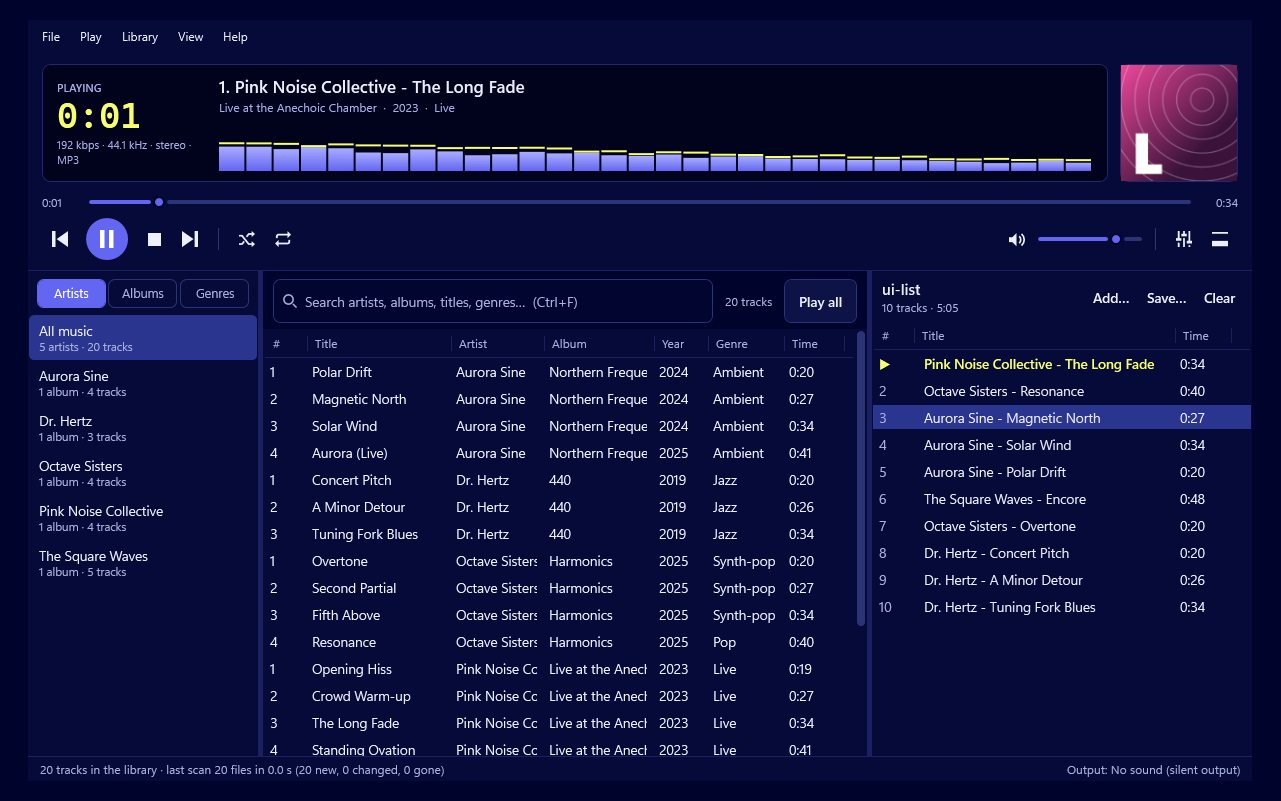
Some visualisers flash hard and fast, so it's a fair question to ask. Play by Zaweba is built with this in mind: its Reduce flashing option is on by default and limits flashes for every one of its scenes, keeping them within photosensitivity limits, and its Calm intensity never strobes at all. Those settings make it a much gentler choice, though anyone with a diagnosed condition should still follow their own medical advice.
Why visualisers can be a problem
Music visualisers react to the beat. A loud kick drum can mean a burst of light, and fast electronic music can mean many bursts a second. Rapid flashing and sudden switches between bright and dark are what cause trouble for people who are sensitive to them. A visualiser designed with no limits can produce exactly that. Large screens make it more noticeable, because the flashing fills more of what you see, and a dark room makes bright bursts stand out even more. That's worth remembering when a visualiser goes up on a TV for a party.
What Reduce flashing does
Reduce flashing keeps flashes within photosensitivity limits for every scene in Play, from the calm kaleidoscopes to the laser shows and disco floors. It's on by default, so a visualiser started for the first time is already limited. Nobody has to know about the setting for it to help.
The scenes still react to the music. They still move, change colour and respond to the beat. What changes is how sharply and how often the screen can flash.
Choosing Calm intensity
The visualiser has three intensities: calm, normal and wild. Calm never strobes. If someone in the room is sensitive, or you simply want the screen to be restful, choose Calm as well as keeping Reduce flashing on. The two together give the gentlest picture.
Wild is for parties where everyone watching is comfortable with lively visuals. Even then, Reduce flashing still applies unless it has been turned off.
Other settings that help
Colour plays a part in how intense a picture feels. In the Visualiser menu, Colours lets you hold One gradient or keep everything in Zaweba indigo instead of moving through endless gradients. A steady palette makes for a calmer screen.
Scene switching matters too. Rather than changing scenes with the music's phrases, choose a longer timer such as every 2 or 5 minutes, or stay on a single scene. Fewer changes mean fewer sudden shifts on screen.
And the calm and trance group of scenes, such as kaleidoscope, plasma, fractal dream and mandala, is a sensible place to start for a quiet evening.
Sensible care
No setting can promise to be safe for everyone, because sensitivity varies from person to person. If you or a guest has photosensitive epilepsy or a similar condition, take advice from a doctor before watching any moving visuals, and keep the room well lit and the screen at a comfortable distance. Stop straight away if anyone feels unwell.
For everyone else, the defaults mean you don't need to think about it. Play by Zaweba starts with flashing limited, and Calm is one menu choice away when you want something softer still.

