
Which audio formats can a music player open? FLAC, M4A, Opus
Play by Zaweba opens MP3, FLAC, WAV, OGG Vorbis and Opus, M4A/AAC and Opus files, side by side in one library. What the formats are and how to pick one.
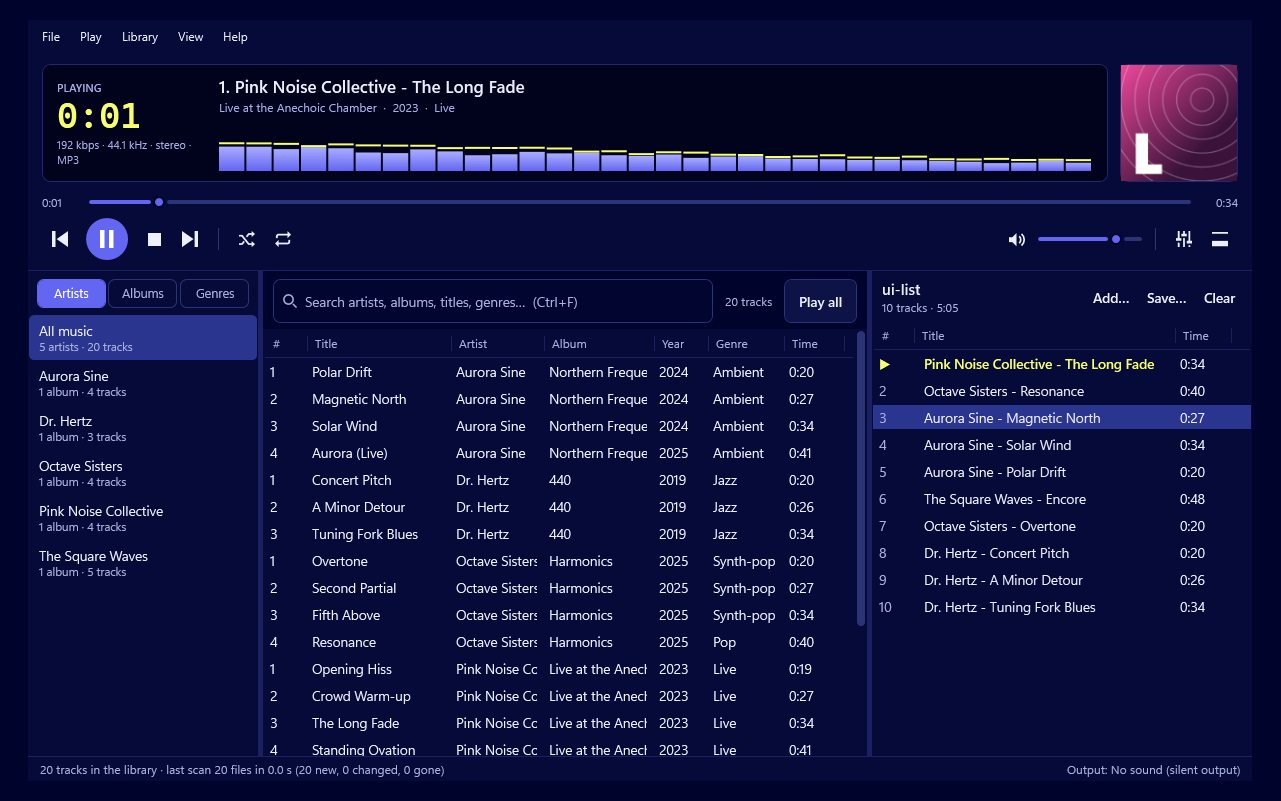
It depends on the player, but a good one should open everything you're likely to have. Play by Zaweba opens MP3, FLAC, WAV, OGG (with Vorbis or Opus inside), M4A/AAC and Opus. So FLAC, M4A and Opus are all covered, and they sit side by side in the same library and playlists without any converting.
The formats, briefly
The formats fall into two families.
Lossless formats keep every detail of the original recording. FLAC compresses the audio without losing anything and is the usual choice for people who rip their own CDs. WAV is lossless and uncompressed, so the files are large.
Lossy formats throw away detail the ear is less likely to notice, to make files much smaller. MP3 is the oldest and most widespread. M4A is a container that usually holds AAC audio, the format behind many download shops and phones. OGG is a container that holds Vorbis or Opus. Opus can also come as its own file and is notable for sounding good at low bit rates.
What Play does with different files
Beyond the format, files differ in channels and sample rate, and Play smooths that over.
A mono file plays in both speakers at full level. A surround file is mixed down so you hear everything on a pair of speakers or headphones. A file at a different sample rate is resampled to the mixer rate, which is 44.1 kHz, or 48 kHz if you choose that in Preferences.
The upshot is that an old mono recording, a FLAC rip and an Opus file can play one after another and sound right. You don't need to know which is which. The library shows them all the same way, by artist, album and genre, and searching finds them all alike, so the format fades into the background where it belongs.
Which format should you use?
For your own CD rips, FLAC is the safe choice. It keeps full quality, and Play can save your CDs straight to FLAC from its CD menu. If you need smaller files, Play can also save them as MP3.
For music you already have, keep it as it is. Converting from one lossy format to another loses a little more each time and gains nothing, since Play opens them all.
Getting a mixed collection to behave
Different sources often mean different loudness, which can be more noticeable than the format. Turn on ReplayGain in Preferences to even out volume between tracks. And keep your files tagged, because Play's library uses the tags to show artist, album, genre and cover art. The tag editor (Ctrl+I) can fix files that arrive with missing or messy details.
Tracks join gaplessly in Play's own mixer whatever format they're in, so a live album in Opus runs on as smoothly as one in FLAC.
In short
FLAC, M4A and Opus are three very common formats, and a player that handles all of them alongside MP3, WAV and OGG covers almost any personal collection. Play by Zaweba does, offline, with no account and no converting needed.

