
What is an endless visualiser that never repeats?
An endless visualiser keeps changing so you never see the same picture twice. Here is how the Endless mix in Play by Zaweba layers scenes and gradients.
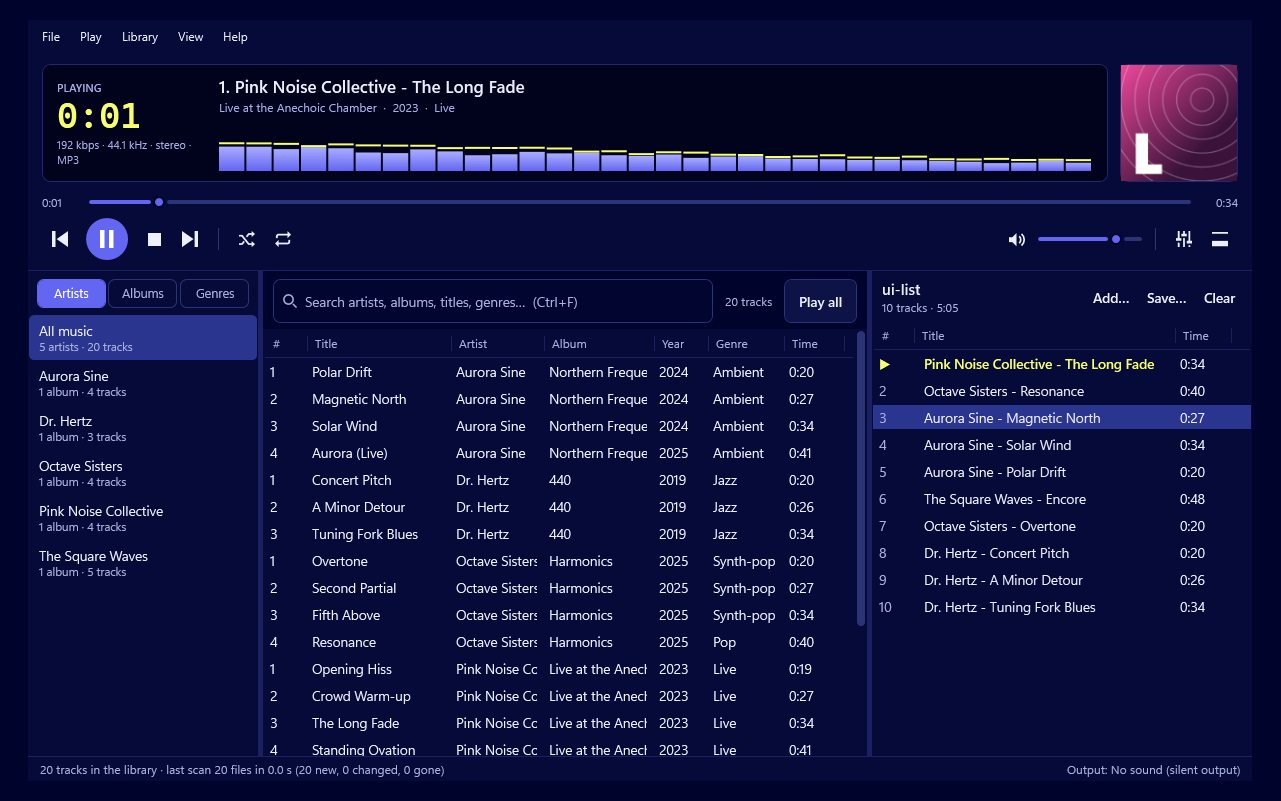
An endless visualiser is one that keeps changing for as long as the music plays, so the picture practically never comes round the same twice. In Play by Zaweba, that's the Endless mix. It layers a background scene, a foreground scene and sometimes an accent scene, each with its own colour gradient, and swaps just one of those things at a time. Because the combinations multiply, you can watch for hours without seeing a repeat.
Why ordinary visualisers start to repeat
Most visualisers have a list of scenes and cycle through them. However long the list, you eventually notice the pattern: the same tunnel, the same spiral, the same colours, in the same order. On a TV through a long evening, that's when people stop watching.
How the Endless mix works
Play has 557 visualisations: 57 scenes of its own, 400 presets in 20 scene families and 100 ready-made mixes that put one scene over another. The Endless mix goes further than any fixed mix. It builds layers on the fly.
At any moment there's a background, a foreground, and now and then an accent on top. Each layer has its own gradient taken from Play's colour system, which has 34 named presets plus endless others made using colour-harmony rules. Then, instead of cutting to a whole new picture, Play changes one thing: a new foreground, say, or a new gradient on the background. The rest stays. The screen evolves rather than jumping, which is easier on the eye and much harder to predict.
The scenes themselves also vary each time they come on, and they react to the music, so even the same layer looks different with a different song.
Setting it up
Choose the Endless mix as the switching mode. The other modes are Auto, which picks scenes to suit the music, Shuffle every scene, Cycle through every scene, or a single scene.
Choose how often things change. Play can follow the music's phrases, or change every 15 seconds, 30 seconds, 1, 2 or 5 minutes. Phrases feel the most musical. Longer timers suit a calm background.
Then press V for the big visualiser, or F11 for full screen on the monitor Play is on. N moves on at once, and Shift+N goes back if you liked what you just had.
When to use it
The Endless mix is at its best for long sessions: a party, a dinner with music, or a quiet evening with a playlist running. For a short listen, Auto is just as good. If you want a particular look all night, a single scene or One gradient in the Colours options gives you that instead.
Keeping it comfortable
Endless doesn't mean frantic. Reduce flashing is on by default for every scene, and the Calm intensity never strobes. Match the tempo makes the motion follow the music's tempo and energy, so a slow song gives slow, flowing movement.
Put together, the Endless mix in Play by Zaweba is a visualiser that stays fresh all evening, which is exactly what a never-repeating visualiser is supposed to be.

