
A free QR code generator with no sign-up
QR by Zaweba is free software that runs on your own PC with no account, and its codes never expire because the data is inside the code itself.
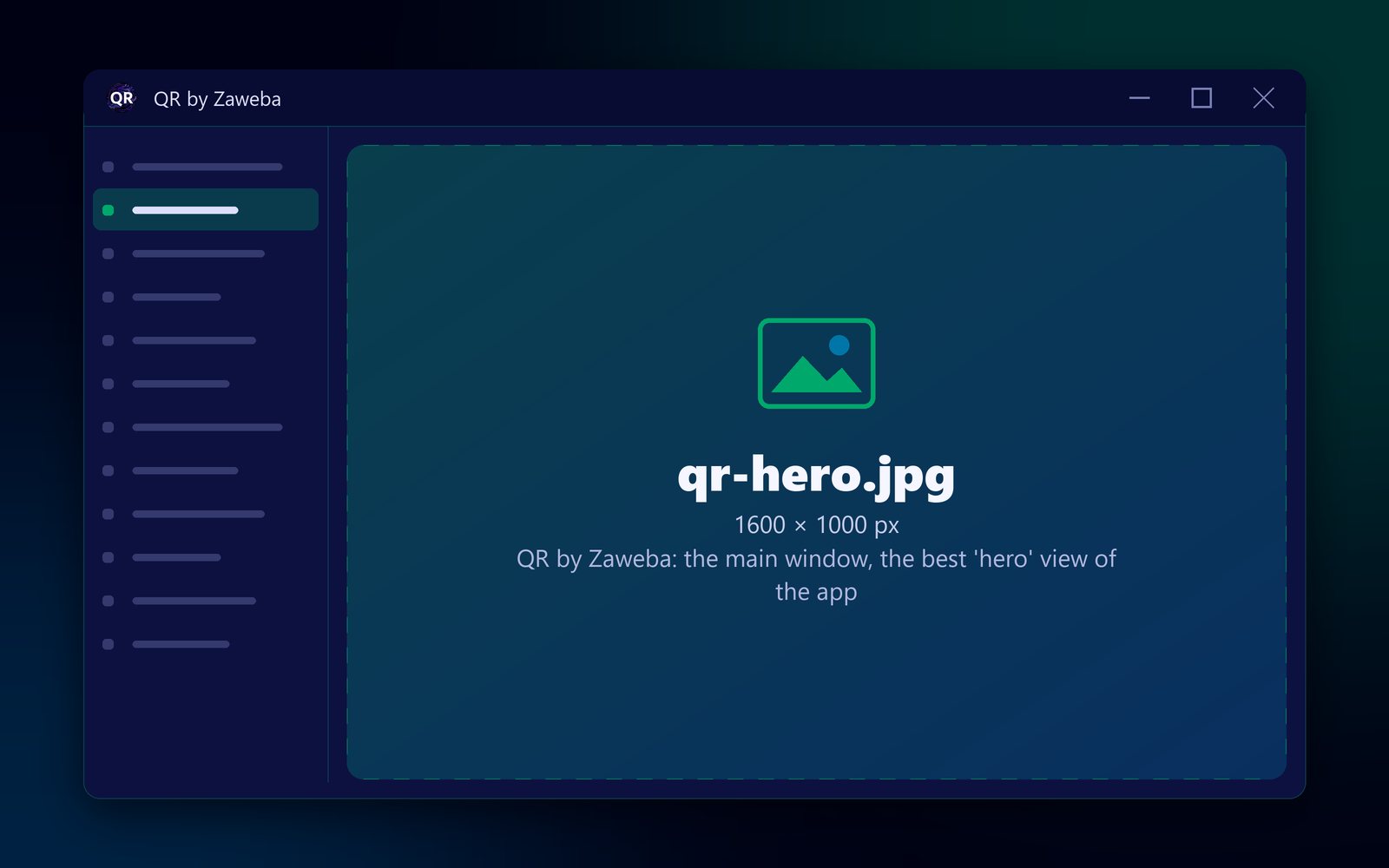
QR by Zaweba is a free QR code generator that needs no sign-up at all. It is a small program that runs on your own PC, with no account, no email address and no login, and the codes it makes never expire because the link or text is stored inside the code itself. You pick what the code should hold, fill in a box or two and save it.
Many online generators ask you to register before you can download, or let you make a code and then ask for an account to keep it working. Here there is nothing to register for.
Free, with nothing to join
QR by Zaweba is free software under the Zaweba EULA. You install it, open it and start making codes. There is no trial period to run out.
Because it is a program on your PC rather than a website, there is also no account to forget the password to, and nothing to cancel later. Your Wi-Fi password, contact details or links are typed into a program on your own computer, not into a form on someone else's server.
Why the codes don't stop working
Some online services make what are called dynamic codes. The code holds a short link to the service's own server, which then forwards people to your page. That lets the service count scans, but it also means the code only works while the service keeps that short link alive.
QR by Zaweba makes static codes. A web address code holds your actual web address. A Wi-Fi code holds the network details. A contact card code holds the vCard. Nothing sits in between, so there is nothing to renew. The code keeps working for as long as the thing it points to does.
Making your first code
Open QR by Zaweba and choose the kind of code you want. There are eight: web address, Wi-Fi network, contact card, email, phone call, text message, map location and plain text. For a link, choose Web address and paste in the full address starting with https://.
Watch the preview. It reads the code back on every change and says Checked: it reads back exactly, or explains what is wrong, such as colours that are too close or a margin that is too small.
Set the size in millimetres and, if you like, the colours or a logo for the middle. Then save it as a PNG, an SVG or a PDF, or use Copy picture to paste it straight into a document. Scan it with your own phone once before printing many copies.
What you get without paying
Everything in the program is there from the start. It includes all eight kinds of code, colours and a transparent background, a logo in the middle with error correction raised to High so it still reads, error correction levels L, M, Q and H, PNG at 150 to 1200 dpi, SVG measured in millimetres, and a one-page vector PDF the size of the code.
Your size, margin, error correction and colours are remembered between uses, so a house style stays set. Wi-Fi passwords and other field contents are not remembered.
It runs on Windows 10 and 11, and there are versions for macOS and Linux too.
When an online tool still makes sense
If you genuinely need to count how many times a code is scanned, that is what dynamic codes from an online service are for, and QR by Zaweba doesn't do it. For everything else, a link on a poster, Wi-Fi for guests, a contact card on a business card, a code made on your own PC with no sign-up is simpler and keeps working.

