
Is there a QR code program for Mac or Linux?
Yes. QR by Zaweba comes for macOS and Linux as well as Windows, free, offline and with no account, making the same codes and PNG, SVG and PDF files.
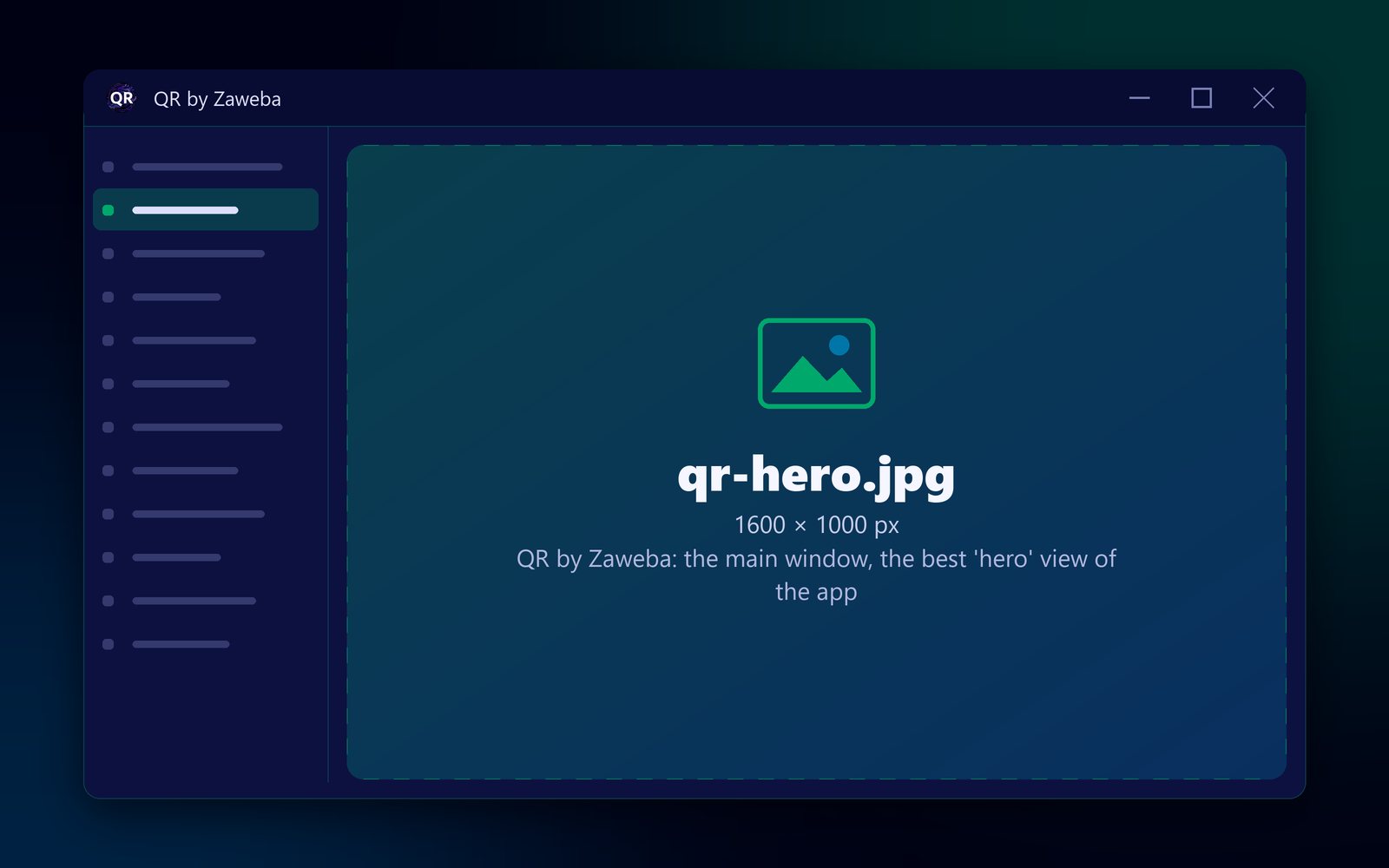
Yes. QR by Zaweba comes for macOS and Linux as well as Windows. It is a desktop program, free and with no account, that makes QR codes for web addresses, Wi-Fi networks, contact cards, emails, phone calls, text messages, map locations and plain text, and saves them as PNG, SVG or PDF. The Mac and Linux version makes the same kinds of code and the same files as the Windows one.
You install it like any other program and make codes on your own computer.
Which Macs and Linux PCs
The Mac version runs on macOS 12 or later, on Apple silicon and Intel Macs alike. The Linux version runs on 64-bit Linux, on both x86 and ARM machines. On Windows it runs on Windows 10 and 11, 64-bit.
The Mac and Linux program (version 1.0.4) is a separate build made with Avalonia, using the same shared code library as the Windows program. That shared code is why a code made on one system is the same as a code made on another.
Making a code on a Mac or Linux
Open QR by Zaweba and choose the kind of code. For a link, choose Web address and paste the full address, starting with https://. For guests' Wi-Fi, choose Wi-Fi network and type the network name, the password and the security type. For a business card, choose Contact card and fill in your details; the app builds the vCard for you.
The preview reads every change back and says Checked: it reads back exactly, or tells you what would stop the code scanning, such as colours that are too close or a margin that is too small.
Set the size in millimetres, the margin and the error correction level (L, M, Q or H). Choose colours or a transparent background, or add a logo to the middle, which raises error correction to High so the code still reads. Save as PNG at 150 to 1200 dpi, SVG in millimetres, or a one-page vector PDF the size of the code.
Why a desktop program rather than a website
On any system, a website can make a QR code, but a program has some advantages. It works without the internet. Your Wi-Fi password and contact details stay on your own machine, and the Wi-Fi password isn't remembered once you close the app. The codes are static, holding your data directly, so there is no service in the middle and nothing to expire.
For Linux users in particular, a ready-made desktop program with a live read-back check and proper print formats saves stitching together command-line tools.
Mixed offices and households
Since every version produces the same codes and the same PNG, SVG and PDF files, a mixed household or office can share them freely. A designer on a Mac can send an SVG to a colleague on Windows; a teacher can make codes on a Linux laptop and use them on the school's PCs. Nothing needs converting.
Whichever system you use, finish with the same habit: print one code and scan it with your phone before printing many. The app's check proves the code reads back exactly; a real scan proves the link, number or network is right.

