
A QR code maker without ads or tracking
QR by Zaweba has no ads, no account and no tracking links: each code points straight at your link, made on your own PC and checked before you save.
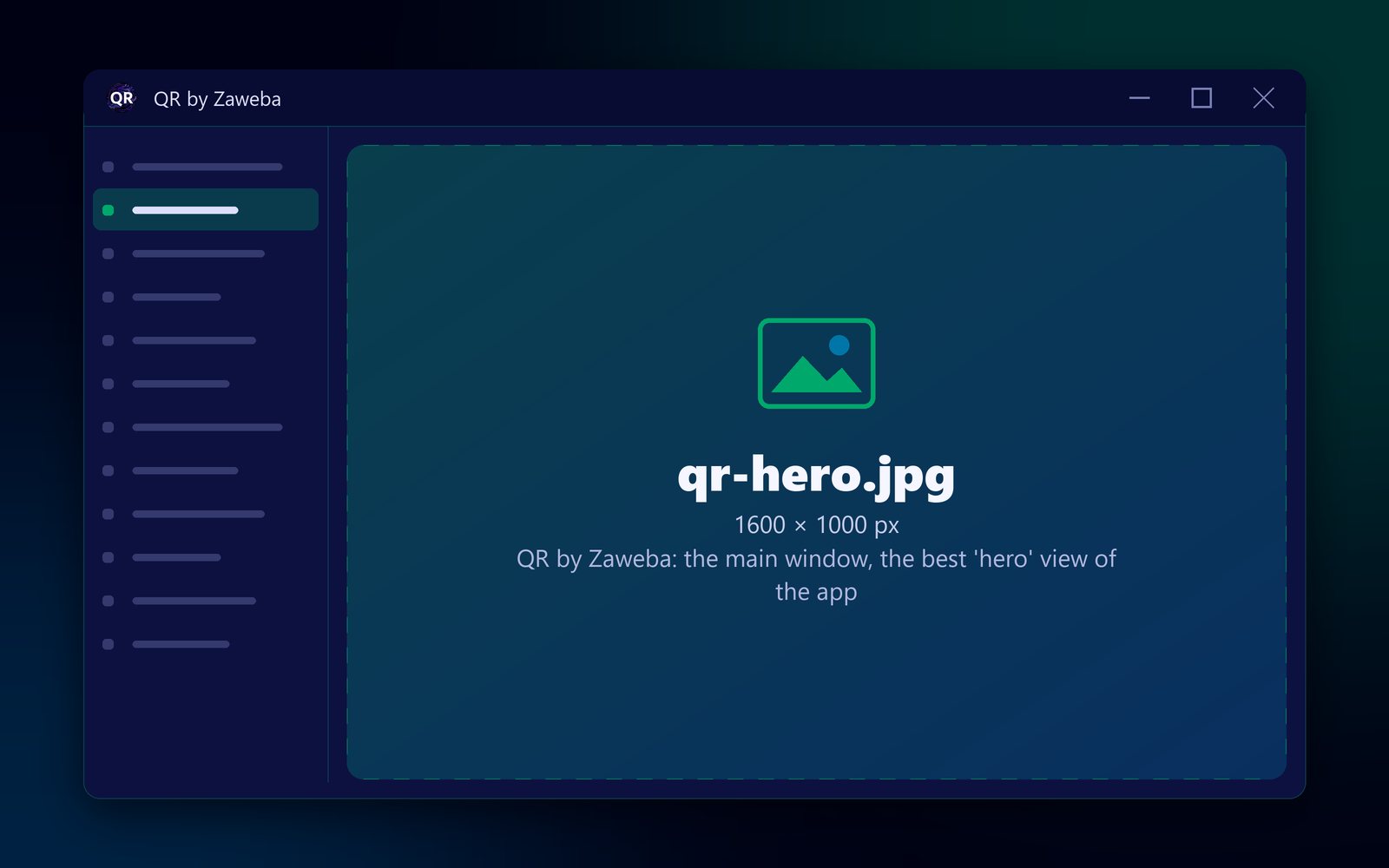
You won't find adverts, an account or tracking links in QR by Zaweba, a QR code maker for your own PC. Each code holds your link or text directly, so a phone that scans it goes straight to your page, not through someone else's server first. You make the codes on your own PC and save them as PNG, SVG or PDF.
There are two kinds of tracking to think about with QR codes, and this app avoids both.
Tracking while you make the code
Many online generators are paid for by adverts or by collecting information. Making a code there can mean pages of ads, cookie banners, and typing your Wi-Fi password or contact details into a form on a website you know little about.
QR by Zaweba is a program on your own computer. You type into it, it draws the code, and you save it. There's no account to make and nothing to sign in to, and the Wi-Fi password isn't even kept in the app's remembered settings once you close it.
Tracking every time someone scans
The second kind is less obvious. Some services make dynamic codes, which don't hold your link at all. They hold a short link to the service, which records the scan and then forwards the phone to your page. That's how scan counts are produced. It also means every person who scans your code passes through a third party, and the code stops working if that service stops forwarding.
Codes from QR by Zaweba are static. A web address code holds your actual address. A contact card holds the vCard itself. Nothing sits in the middle, so nobody records the scan on the way, and there's nothing to expire.
Seeing what's inside
Because the code holds your text exactly as you typed it, what you see in the box is what people get. The preview proves it: on every change it reads the code back and says Checked: it reads back exactly. If something would stop it scanning, such as colours that are too close or a margin that's too small, it says so plainly.
Scan the finished code with your own phone and you'll see your link, not an unfamiliar short address.
Keeping your own links clean
An ad-free code is only as clean as the link in it. Links copied from emails and adverts sometimes carry long tracking parameters on the end. If you don't want those, remove them before making the code; the page usually works the same without them, and a shorter link makes a simpler, easier code. Check by opening the shortened link in your browser first.
If you do want to know how many people come from a poster, your own website's statistics can often show it if you give that poster its own page address. That keeps the counting on your site rather than with a third party.
Everything else you need
QR by Zaweba makes eight kinds of code: web address, Wi-Fi network, contact card, email, phone call, text message, map location and plain text. You can set the size in millimetres, the margin, error correction L, M, Q or H, colours or a transparent background, and a logo in the middle. It is free software under the EULA, for Windows, macOS and Linux.

