
How to test whether your JSON path works
Scene by Zaweba's Test the feed now button lists every value in a JSON reply with its path, so you can pick the right one for your widget.
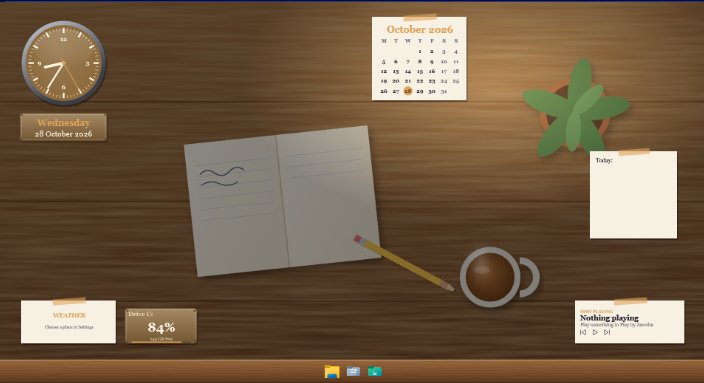
Press Test the feed now in the editor of Scene by Zaweba. It fetches the address you've typed and lists every value in the reply with its path next to it. Find the number you want, use the path shown beside it, and you know the path is right because Scene wrote it for you.
Guessing a path from an API's documentation is where most feed widgets go wrong. A missing level, a plural where a singular should be or a list you didn't know was there, and the widget shows nothing. Seeing the real reply ends the guessing.
What a path looks like
A data feed widget polls an http or https address that answers with JSON or plain text, and a simple path picks the figure to show. Dots step into objects, so orders.today means the today value inside orders. Square brackets pick from a list: items[0].count is the count of the first item. Negative numbers count from the end, so days[-1].orders is the orders figure of the last day in the list, which is handy when a service returns a history and the newest entry comes last. And .length gives the size of a list, so data.length counts how many entries there are.
A feed can also pick up to six more values from the same reply, for widgets that show a main figure with a few others beside it.
Testing step by step
Open your scene in the editor and select the feed widget. Fill in the address. If the service needs a key, put it in the headers field. Then press Test the feed now.
Read through the list it gives. Each line is a value and its path. Look for the number you care about, check it's the one you expected by comparing it with what the service shows elsewhere, and enter that path. Then press Preview on desktop to see the widget live.
If the address contains today's date, you can write {today} in it and Scene fills it in, so a daily endpoint keeps working tomorrow.
When the test shows nothing useful
If you get an error rather than a list, it's the address or the key, not the path. A short message such as "Not allowed (401)" means the service turned the request down. A reply bigger than 1 MB, or slower than 20 seconds, won't be accepted, so look for an endpoint that returns just the summary you need.
If the list is there but your value isn't, the service may be returning text rather than numbers, or the figure you want is calculated on its side and needs a different endpoint.
After the path is right
Once the value appears, tidy how it's shown. A prefix and units add a currency sign or "orders". The number format can be auto, compact or a .NET format string. A range makes rings, dials and bars fill sensibly, and a sparkline shows recent values. Refresh can be anything from 30 seconds up, with five minutes as the default.
The widget then shows loading, the time of the last good reply, and an amber Stale mark if replies stop, keeping the last value on screen while it waits. Test the feed now is worth pressing again whenever a service changes its reply, because paths can change with it.

