
How can I put the weather on my desktop?
Add a weather widget in Scene by Zaweba and pick your place in Settings. It uses Open-Meteo with no key and no location tracking.
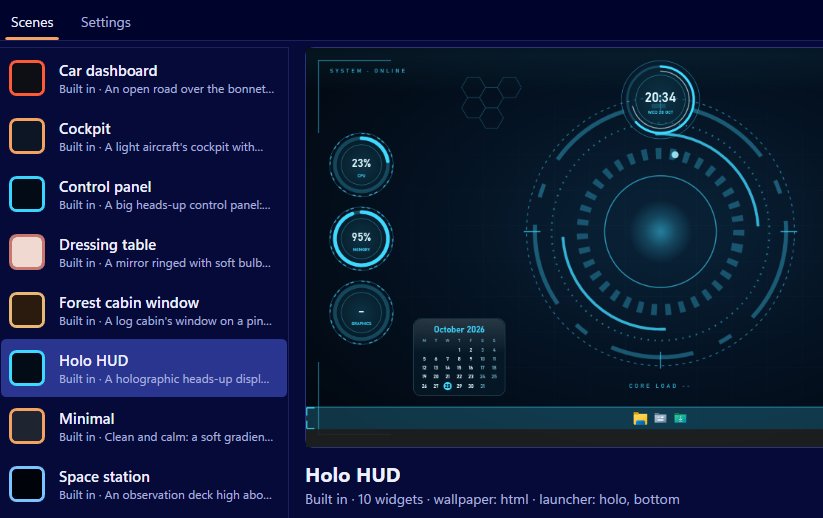
The simplest way is a weather widget in Scene by Zaweba. Add one to your scene, then open Settings, type your town, search and pick the right place from the list. The forecast comes from Open-Meteo, which needs no key, and Scene never guesses your location from your internet address.
Once it's set, the weather sits on your desktop in whatever style the scene uses, from a paper note on a wooden desk to a glowing HUD panel.
Telling Scene where you are
Settings is on the View menu, or press Ctrl+,. There's a box for the weather place. Type a place name and search. You'll get a list, because there are plenty of places called Newport or Richmond, so choose the one that's yours. That's all Scene needs. It doesn't ask Windows for your position and doesn't work it out from your connection.
The same Settings panel has a box to Show temperatures in Fahrenheit if you prefer that to Celsius.
Adding the widget
The Minimal scene already includes the weather next to its big clock and the date, so if you like a calm desktop you can simply switch Minimal on from the Scenes tab.
For any other scene, add a weather widget. In the editor, add it and set its skin, caption, size and position, and which monitor it goes on. Or use Arrange mode on the real desktop: choose Add widget from the floating bar, drag the widget into place, resize it with the corner grip and press Done. Built-in scenes are read-only, so Scene saves your arrangement as your own copy, with "(my layout)" on the end of its name.
Every widget kind works in every skin, so weather can be a dial, a ring, a bar, a digital readout, a plaque, a paper note, a HUD panel or an image face. It takes the scene's colours.
How often it updates
Scene only fetches the weather while a weather widget is on show, and then every 30 minutes. If a fetch fails, it tries again after five. Weather doesn't change minute by minute, so half-hourly keeps it current without bothering the network.
That's one of only two kinds of network use in Scene. The other is data feeds, which contact only addresses you type yourself. Wallpapers can't reach the internet at all. There's no account and nothing about you is sent anywhere.
Making it readable
Weather is something you glance at on the way to doing something else, so give it room. Put it near the clock, where your eyes already go, and make it big enough to read without leaning in. On a busy wallpaper a solid skin such as a plaque or HUD panel reads better than a thin ring.
If you use two monitors, think about which one you look at first in the morning. Widgets can be placed on either, so put the weather on that one.
When it's on the wrong place
If the forecast looks wrong, the usual reason is that a place with the same name was picked from the list. Go back into Settings, search again and choose the other entry. Changes apply to every scene, because the weather place is a Scene setting rather than part of one scene.

