
Will a live wallpaper crash or leave your taskbar hidden?
Scene by Zaweba records what it changes, and a watchdog plus a repair at the next start put the taskbar back even if it crashes.
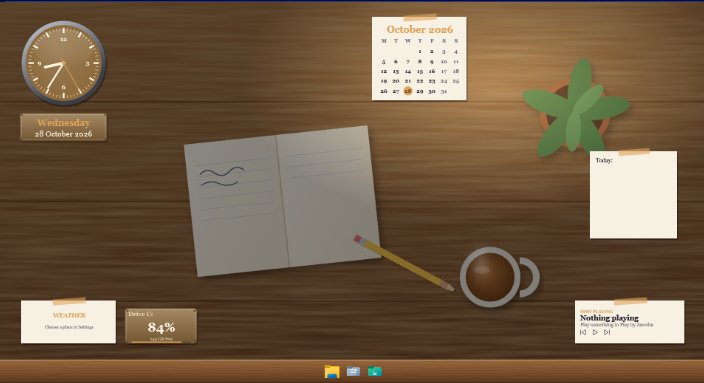
A crash in Scene by Zaweba won't leave your taskbar hidden, because Scene never edits Windows system files, themes, Explorer or window frames, so there's very little it could break in the first place. The one Windows setting it can change, auto-hiding the taskbar, is off unless you turn it on, and if Scene ever crashes while it's on, a watchdog restores the taskbar and the next start repairs anything left over.
Plenty of people have been burned by theme tools that patch Windows and leave a mess behind. Scene was built the other way round.
Overlay, never hack
Everything you see from Scene is one of Scene's own windows. The wallpaper is a window placed just below your icons. On Windows 11 24H2 and later it's a layered child window under the icons, and on older builds Scene uses the classic layer Windows has always offered for this. Widgets and the launcher bar are ordinary windows sitting on the desktop. Your icons stay clickable throughout.
Because nothing in Windows is altered, switching a scene off removes Scene's windows and leaves Windows exactly as it was.
The taskbar option
Settings has an option to auto-hide the Windows taskbar while a scene is on. It's off by default. If you turn it on, Scene uses the supported Windows setting only, the same one you could change yourself, and puts it back when the scene stops.
What happens if Scene crashes
While a scene is on, Scene keeps a small file called session.json recording what it changed. A watchdog keeps an eye on Scene, and if Scene stops unexpectedly it restores the taskbar. Then, the next time Scene starts, it reads the record and repairs anything still left as Scene had it. Either way, you aren't left hunting for a hidden taskbar.
Staying stable day to day
Scene runs one copy at a time, so you can't end up with two fighting over the desktop. Wallpaper pages can't reach the internet or anything outside their own scene folder. Scene files you import are checked too: no programs, nothing with .. or a drive letter in its path, a limit of 300 MB and 2000 files, and validation before the scene is added.
It's also light. With the Cockpit scene on two monitors, Scene used about 1.3 per cent of the machine on average over a minute, and the wallpaper pauses for full-screen apps and games. Memory use is roughly 330 MB for Scene itself plus about 290 MB for the WebView2 wallpapers on two monitors.
If something does look wrong
Switch the scene off with Ctrl+Space and see if the desktop is back to normal. It should be. If you had taskbar auto-hide on and the taskbar is still hidden, start Scene again so its repair runs, and switch the option off in Settings if you'd rather not use it.
There's also Send feedback on the tray icon's menu, which is the place to report anything odd. The point of Scene's design is that you can try it, change your mind and leave your PC as it was.

