
A screenshot tool that works offline, with no account
Snap by Zaweba captures and marks up screenshots entirely on your PC: no account to sign in to, no cloud upload and no telemetry sent anywhere.
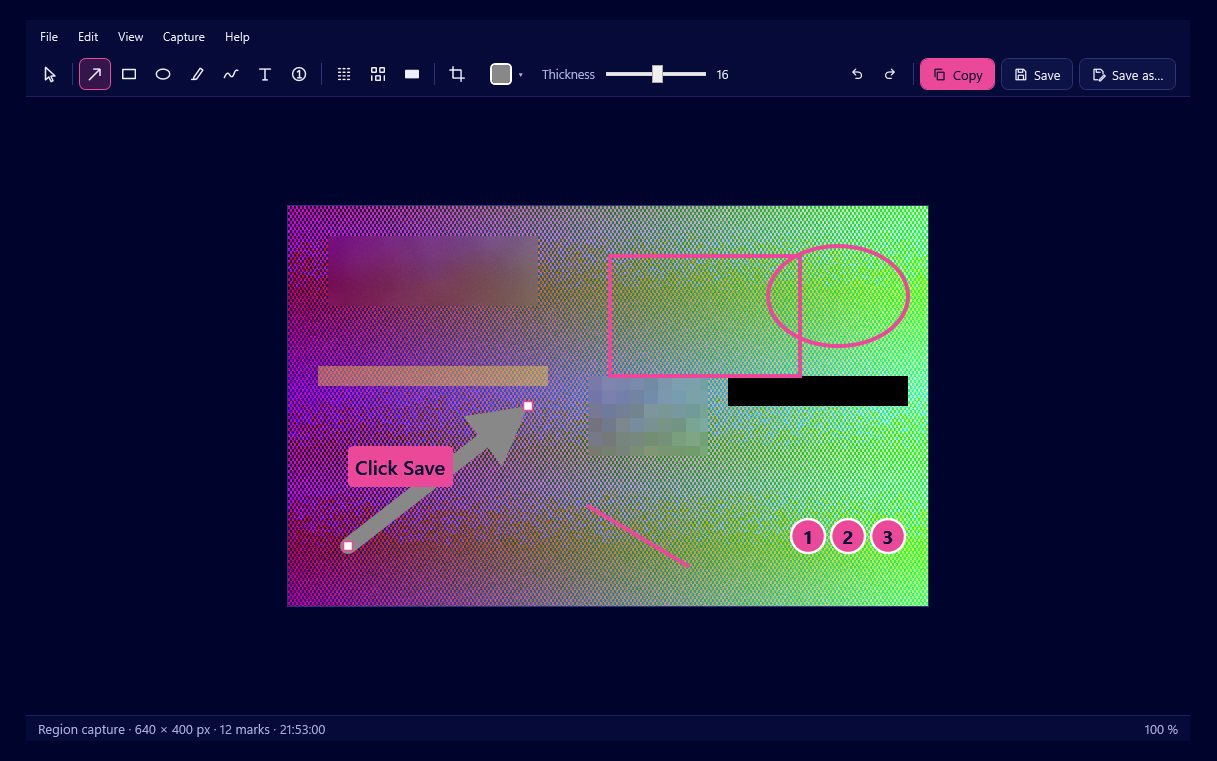
Everything in Snap by Zaweba happens on your own PC. The screenshot tool works fully offline, asks for no account, and captures, marks up, copies and saves on your own PC, with no cloud and no telemetry. Nothing you capture leaves the computer unless you paste or send it yourself.
That matters because screenshots so often contain things that are not meant for anyone else: an email address in a corner, a customer's name in a list, part of an invoice.
What offline means here
Snap lives in the notification area and does everything locally. The capture is cropped from a frozen picture of your screen, the editor runs on your PC, and the result goes to the clipboard or to a folder you choose. Ctrl+S saves into Pictures\Snap by Zaweba with a dated name; Save As offers PNG, JPG and the editable .ozsnap format.
There is no sign-in screen on first run. The first run opens Settings with a short welcome, where you can check the hotkeys and turn on Start with Windows. That is the whole set-up.
Your last 50 captures are kept as editable files on your PC so you can reopen them from the tray. They stay on disk, and you can clear the history from the tray menu or from Settings whenever you like.
Why it suits private work
When a screenshot service uploads every capture, you have to think about where it goes before you press the key. With Snap you can capture first and decide afterwards, because nothing is sent. That fits support work, testing, finance and anything involving personal details.
Hiding what should not be shared is built in. Blur, pixelate and black out are applied to the actual pixels when you export, so the hidden detail cannot be recovered from the PNG or JPG. Pixelate replaces each block with its average plus random noise; blur pixelates first and then smooths. Exported files carry only the pixels you can see, with no hidden copy of the original and no metadata.
Crop helps too. Exports use only what is inside the crop, so other windows and the rest of your desktop never travel with the picture.
Sharing on your terms
Offline does not mean awkward. Ctrl+C copies the result as a PNG and bitmap, and you paste it into whatever you were already using: your mail program, a chat window, a ticket system. You choose every destination yourself.
The one thing to keep in mind is the .ozsnap file. It holds the original, unblurred capture so that you can edit marks later. That is perfect on your own PC and wrong for sharing, so send a PNG or JPG instead.
Working alongside other Zaweba apps
A few extras call on other Zaweba apps that also run on your PC. If Read by Zaweba is installed, Copy text (Ctrl+T) hands the capture to Read, which finds the words and copies them to the clipboard. If Paint by Zaweba is installed, a button saves a flattened PNG and opens it in Paint for detailed editing. Both stay on the same computer.
Licence and cost
Snap is free software under the EULA. There is nothing to subscribe to and no account to keep up. It runs on Windows 10 and 11, and there is also a version for macOS and Linux that uses the same files, settings and history, so the same private routine carries across if you use more than one system.

