
Colour fonts and editable emoji in Vectornation by Zaweba
Vectornation by Zaweba keeps colour fonts in colour in live text, COLR v1 gradients included, in SVG and PDF, and emoji stay editable text. Tips for using them.
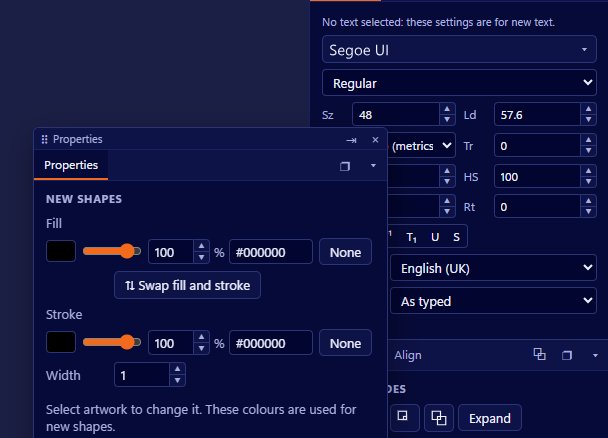
Fonts have long been one colour at a time, with any extra colour added by the designer afterwards. Colour fonts change that. They carry their own colours, and in some cases gradients, inside each letter. Vectornation by Zaweba keeps those colours in live text, including COLR v1 gradients, and keeps them when you export to SVG and PDF. Emoji, which are themselves a kind of colour font, stay editable text too.
What that means in practice
You can type with a colour font just as you would with any other font. The letters appear in the colours the type designer gave them, and the text stays editable: change the wording, the size or the spacing and the colours follow.
This matters because the alternative, turning colour lettering into outlines and colouring the pieces by hand, makes the text impossible to edit. With colour fonts as live text, a headline in a decorative colour typeface can be corrected in seconds.
COLR v1 gradients
COLR v1 is a newer form of colour font that can include gradients and more complex layering. Vectornation keeps those gradients in live text, so lettering with smooth colour transitions looks as intended on screen and in output.
Output to SVG and PDF
Colour stays in place in SVG and PDF output. That is important for web graphics, where SVG is the usual format, and for print, where PDF is the usual way to send work. You can design with a colour font and know the result will carry through to the file you hand over.
As with any font, check that the final destination is happy with it. A quick look at the exported PDF or a test of the SVG in a browser is a good habit before you send it on.
Emoji as text
Emoji are characters, and in Vectornation they stay as text. Type them, copy them in from elsewhere, or insert them from the Glyphs panel, and they behave like any other letters: they sit on the line, scale with the text and can be edited or deleted.
That makes them easy to use in social media graphics, playful posters, labels and invitations, without the extra step of inserting separate pictures.
Using colour fonts well
Colour fonts are best for display text: headings, titles, short phrases and logos. They are rarely suited to body text, where colour and texture in every letter becomes tiring to read.
Think about the background. A colour font designed for white may lose contrast on a dark or busy background. Try the text on the real background early.
Because the colours belong to the font, you cannot always change them as freely as you can with ordinary text. If you need specific brand colours, check whether the font allows them before you build a design around it.
How it fits with the rest of the type tools
Colour fonts work with the type tools you already use in Vectornation. They can sit on a path, take live effects, be styled with paragraph and character styles and be set at any size. Keep them live as long as you can, and if a printer or cutter needs outlines, create them only at the end once the text is final.
Colour fonts and emoji have become part of how people communicate, and having them as real, editable text means they fit into a design rather than sitting on top of it.

