
How do I export several sizes of an icon at once?
Collect the icon in Asset export in Vectornation by Zaweba and export it in several formats and sizes in one go, instead of saving each size by hand.
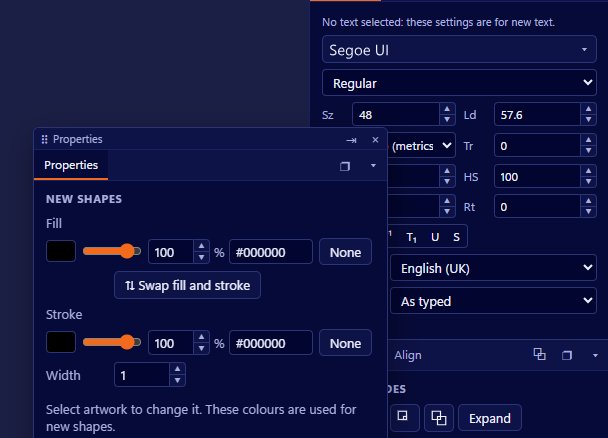
Collect the icon in Asset export and let Vectornation by Zaweba export it in several formats in one go. Open Window > Document > Asset export, add the objects you want, and each one is written out in every format you have set, so a whole icon set or a single icon at several sizes takes one click rather than a dozen trips to the export dialog.
Icons are one of the clearest reasons to draw in vectors. The same artwork scales to any size without losing sharpness, so you design once and export many. The tedious part has always been the exporting, and that is what Asset export takes off your hands.
Before you export
A finished icon on the canvas, ideally grouped so it is one object. If you are making a set, keep each icon as its own group. Decide the sizes and formats the job needs: perhaps PNG for an app, SVG for a website, and so on.
Collecting the icons
Open the Asset export panel and add the icon to it. If you have a set, add each one; the panel collects them in a list. Each asset is exported in the formats you choose, so set up the outputs once and they apply to every item.
Pick a folder and export. The files land together, which makes it easy to hand them to a developer or drop them into a project.
For screen work there is also Export for screens. And when an icon needs to be as small as possible on a website, Optimised web image gives PNG-8 colour reduction with dithering and shows the file size live while you adjust it.
Drawing icons that export well
Design small icons on a whole-pixel grid, with lines and edges on pixel boundaries, so they stay crisp at the smallest sizes. A 1-pixel line that falls between two pixels turns into a soft 2-pixel grey line.
Check the smallest size early. Detail that looks lovely at a large size can become mush at a tiny one. Some designers draw a simpler version for the smallest sizes; you can keep that as its own asset and export it alongside the others.
Keep transparent backgrounds where the icon needs them. The image export settings include background and anti-aliasing, and PNG files keep transparency.
Making a Windows icon file
If what you need is a Windows .ico file that holds several sizes in one file, export the PNGs from Vectornation and turn them into an icon with ICON by Zaweba, which makes .ico files from a PNG and can also make a full website favicon set. The two apps fit together well: draw in one, package in the other.
Exporting one image at a time
For a one-off, File > Export with a chosen scope and ppi does a single image at a time. For many separate drawings, File > Automate > Batch plays a recorded action over a folder of files, and the command-line --convert option converts files with no window, using --format and --out-dir. Asset export is the friendliest when everything lives in one document.
Vectornation by Zaweba is free software for Windows, works offline and needs no account.

