
Is it allowed to recover a ZIP password?
Recovering a ZIP password is fine for your own archives. ZIP by Zaweba's recovery tool is only for ZIP files you own or are authorised to open.
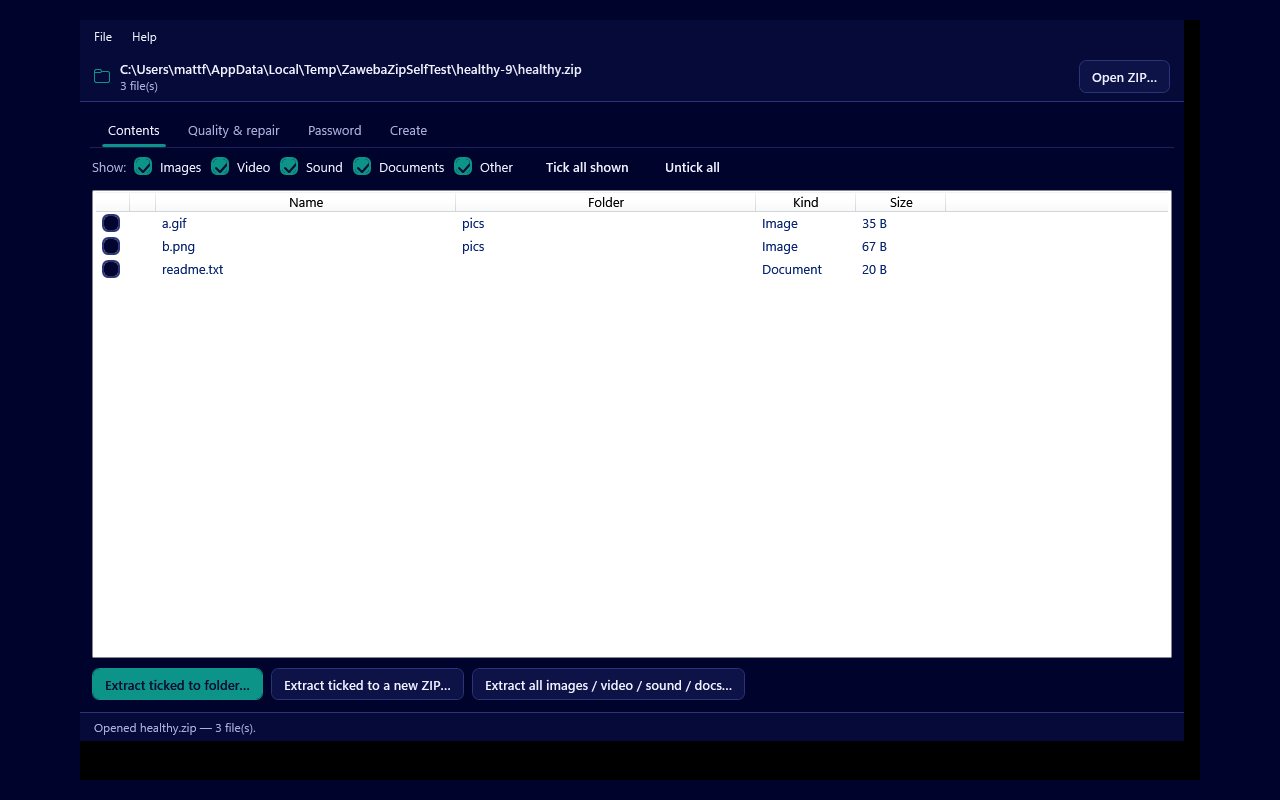
Recovering a ZIP password is fine when the archive is yours, and it is not fine when it belongs to somebody else. The password recovery tool in ZIP by Zaweba is only for ZIP files you own, or that you are clearly authorised to open, and the app's licence agreement says so. If the archive is not yours, ask the person who made it for the password instead.
That is the short answer. The rest of this article explains where the line sits, what the tool actually does, and why it is built around your own memory rather than someone else's secrets.
Your own archives, and nobody else's
The ordinary case is simple. You zipped up personal photos or old documents, set a password, and years later it has gone. The files are yours, the password was yours, and getting back in is no different from finding the key to your own filing cabinet.
Being authorised covers a little more. A family member may have asked you to sort out an archive they made and cannot open, or your employer may have asked you to recover a work archive that a former colleague protected. In those cases get the permission clearly, and in writing if it is work, before you start.
Anything else is out. An archive you found, were sent by mistake, copied from someone else's computer or downloaded from somewhere you should not have been is not yours to open. In many countries getting into data you are not entitled to is against the law, in the UK under the Computer Misuse Act, and a forgotten password is never an excuse for that. This article is not legal advice; if you are unsure about a particular case, do not go ahead until you are sure.
What the recovery tool does
On the Password tab, the recovery tool tries likely passwords until one opens the archive. You type anything you remember, one per line: names, words, numbers. With the mutation option on, each one is also tried with a capital, in upper case, with digits, with common number endings, with years from 1980 to the current year, and with endings such as ! and @.
It can also try a built-in list of common passwords, a wordlist file you choose, and a brute force over a character set you tick (a to z, A to Z, 0 to 9 and symbols) between a minimum and maximum length, which default to 1 and 5. It shows a live count and rate, and you can stop it at any time. It works on archives protected with ZipCrypto and with WinZip AES, and a password it finds can be used to open the archive straight away.
Why it leans on what you remember
Notice what the tool is good at. It does best with your own hints, because people tend to reuse familiar words, names and dates and to change them in predictable ways. The brute force is bounded and practical for short passwords only.
The app is also honest that a strong password you remember nothing about may not be recoverable. That suits the purpose. It is there to help the person who set the password find it again, not to get round a good password chosen by someone else.
Good habits once you are back in
When the password does turn up, write it down somewhere safe before you do anything else. Then think about whether the archive still needs a password at all. ZIP by Zaweba makes plain, unencrypted archives, so if you take the files out and zip them again with the app, the new archive will not be protected.
If the files are private, keep them protected with a password you will remember, stored in a password manager or a sealed note at home. It is also worth running Check quality on the Quality and repair tab while the archive is open, so you know every file came back intact.
ZIP by Zaweba is free software under the EULA and runs entirely on your own PC, with no account and nothing sent anywhere. Use the recovery tool for what it is meant for, your own archives, and it is a genuinely useful thing to have.

