
Is my ZIP encrypted with ZipCrypto or AES?
ZipCrypto is the old ZIP encryption and WinZip AES the stronger newer one. ZIP by Zaweba spots protected entries and reads both kinds.
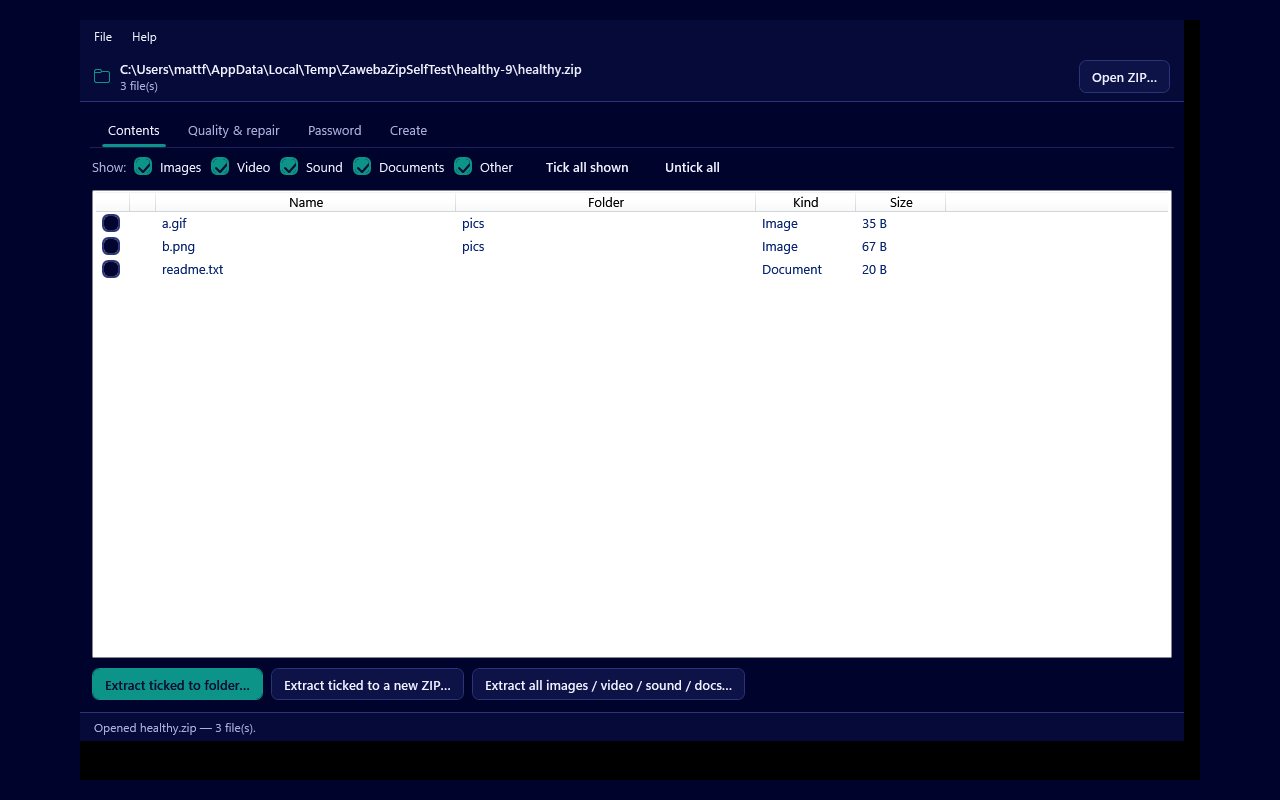
There are two kinds of encryption you are likely to meet in a password protected ZIP file: the original ZipCrypto scheme and the newer WinZip AES. ZIP by Zaweba marks every encrypted entry with a padlock in its Contents tab and reads both kinds, so once you have the password it makes little practical difference which one your archive uses. The difference matters most for how safe the archive is and for which other programs can open it.
This article explains what each one is, how the type usually comes about, and what it means if you are trying to open or recover one of your own archives.
The two schemes in plain terms
ZipCrypto is the encryption that came with the ZIP format in its early days. It is often called legacy or traditional ZIP encryption. Almost every archive tool can read it, which is why it is still common, but it is well known to be weak by modern standards. It keeps casual eyes out rather than a determined attacker.
WinZip AES was introduced by WinZip as a stronger option built on the AES cipher, the same family of encryption used widely for protecting data today. It is a much tougher lock. The trade off is that some older or simpler programs cannot open AES protected ZIPs at all, even with the right password.
How your archive got its type
The type is chosen by whoever made the archive, usually through a setting in the program they used. Many archive programs offer a choice in their password dialog between ZipCrypto and an AES option, often labelled with a key size such as 256 bit. If you made the archive yourself and picked AES or a number of bits, it is AES. If you left the default in an older tool, or the archive is many years old, there is a fair chance it is ZipCrypto.
A good clue comes from what happens when you try to open it elsewhere. If one program asks for the password and opens the files while another refuses to handle the archive at all, the archive is quite likely AES, because support for it is less universal.
Every entry in a ZIP is protected on its own, so in principle one archive can contain some entries that are encrypted and some that are not. That is why ZIP by Zaweba shows the padlock entry by entry in the Contents list, alongside each file's name, folder, kind and size.
What it means in ZIP by Zaweba
For opening an archive with a known password, nothing changes. Opening an encrypted ZIP takes you to the Password tab, you type the password, and the files become available in the other tabs. That works for ZipCrypto and WinZip AES alike.
Behind the scenes the app confirms a correct password differently for each type. A ZipCrypto match is confirmed against the checksum the ZIP stored for the file, while an AES match is confirmed by the file decoding cleanly. Either way you only see the result: the password is right and the files are there.
The Quality and repair tab's Check quality report also lists encrypted entries with their own status, Encrypted, so you can see at a glance which files need a password before they can be checked properly.
If you have forgotten the password
The recovery tool on the Password tab is for ZIP files that belong to you or that you are authorised to open, and it works on both ZipCrypto and WinZip AES. It tries words and numbers you remember, with common variations, a built-in list of common passwords, an optional wordlist file and a bounded brute force over short passwords. It shows a live count and rate and can be stopped at any time.
Be realistic about what that means. Recovery here is about guessing well, not breaking the encryption, so your memory of the password counts for far more than the scheme. A short or familiar password may come back quickly either way. A long, random one you remember nothing about may never come back in any reasonable time, and the app says so honestly rather than promising otherwise.
One last point for future archives. The ZIPs that ZIP by Zaweba creates are plain and unencrypted, the kind every program can open, so if you need a protected archive you will still make it with another tool. When you do, choosing AES gives you the stronger lock, as long as the people receiving it have a program that can read it.

